
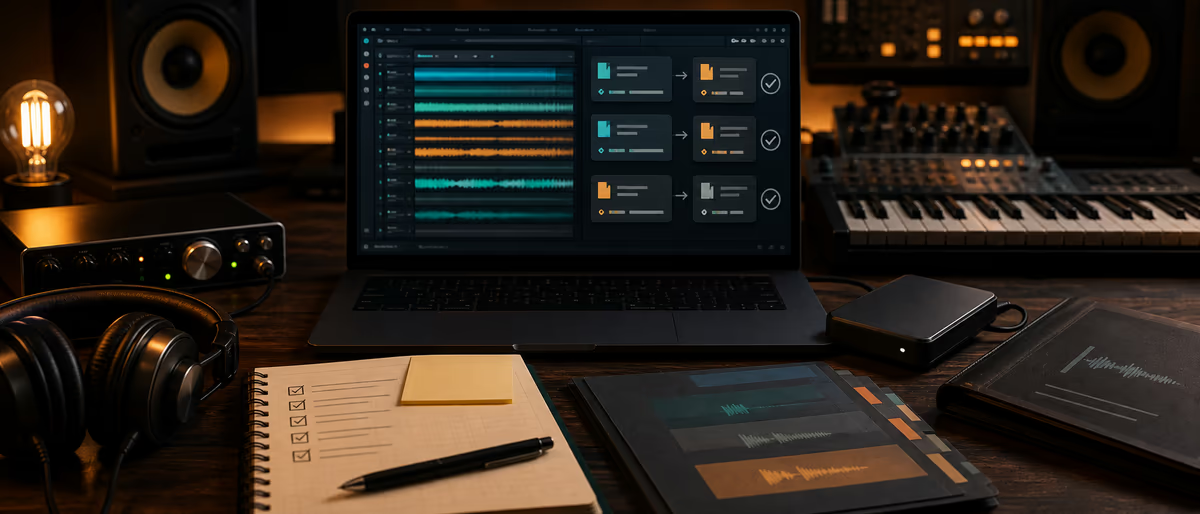
Async collaboration handoff
Quick Answer
An async handoff is a decision package: one frozen version name, bounce + stems, plugin/print notes, key/BPM, open questions, rights status, and revision rules. It replaces “I dropped stuff in the Drive” with a package another producer can open without a live call.
Why Async Handoffs Break
Async collabs fail on ambiguity: which folder is final, whether reverb is printed, who owns the melody share, and whether the 808 is tuned to the key in the filename. A checklist makes the invisible decisions explicit so the next person can work without decoding your brain.
Master Handoff Checklist
| Item | Pass criteria | Owner |
|---|---|---|
| Version name | Song_v03_premix — same on bounce, stems, notes | Sender |
| BPM / key / sample rate | Stated in readme + filenames where useful | Sender |
| Reference bounce | Stereo WAV of current vision | Sender |
| Stem set | Dry/wet policy documented; no mystery buses | Sender |
| Printed FX list | Which delays/reverbs/distortions are baked | Sender |
| Plugin notes | Must-have VSTs or prints for missing plugs | Sender |
| MIDI / session (optional) | Only if agreed; license plugins still apply | Sender |
| Arrangement map | Bars for intro/verse/hook or markers | Sender |
| Open decisions | Max 5 bullets needing collaborator choice | Sender |
| Do-not-touch list | Creative choices to preserve | Sender |
| Rights snapshot | Writers so far; sample sources; vocal status | Both |
| Next action + due date | Who does what by when | Both |
| Revision rules | Rounds, response SLA, freeze date | Both |
| Link permissions | Editor access correct; expiry known | Sender |
| Checksum / size note | Optional for large packs | Sender |
README.txt Template
Paste into every handoff root:
- Project Title / version / date / sender contact
- Musical BPM, key, feel references (2 links max)
- Files List of stems with naming legend (Kick_DRY, VocLead_PRINTED_verb)
- Prints FX that are printed vs expected live
- Decisions needed Numbered 1–5
- Rights Known writers %, samples, exclusivity conflicts
- Next Owner, action, due date (timezone)
Stem and Print Policy Defaults
- Default for mix handoff Dry-ish instrumentals + printed creative FX on separate stems when the FX is the sound.
- Default for beat-to-artist Tagged/untagged reference + trackouts if paid tier includes them; state license.
- Sample rate Match project; state 44.1 vs 48 explicitly.
- Silence Start all stems at bar 1 / same zero — no staggered free-floating clips without markers.
Send Workflow
- Freeze
Stop arranging under the same version name. - Export
Bounce + stems + MIDI if agreed. - Write README
Fill template fully — empty sections are failures. - Upload + permissions
Editor vs viewer; disable surprise public links if private. - Notify with checklist summary
Message contains version, link, due date, top 3 decisions — not only “sent.” - Confirm receipt
Receiver replies “got v03, opening tomorrow” — loop closed.
Common Mistakes
- Drive dump without version Five folders named New Folder (2).
- Unprinted signature FX Receiver lacks the plug-in; sound disappears.
- No rights line Collab becomes a split fight later.
- Twenty open decisions Handoff should decide, not defer everything.
- Wrong permissions Partner cannot download stems on mobile deadline night.
Improve After Each Collab
List questions the receiver still asked. Add those answers to the next README defaults. For file transfer security, see delivery links and permissions; for remote vocals use session setup; for stem craft see stem export.
Hand off cleaner packages — more collaboration guides on Plugg Supply Learn.
Learning path
Related answer hubs
Frequently Asked Questions
- What is async collaboration in music production?
- Working on the same project across time zones without a live session — relying on clear files, notes, and version freezes.
- What must every handoff include?
- Version name, reference bounce, stems or session per agreement, BPM/key, printed FX notes, open decisions, rights snapshot, and next action with date.
- Should I send the full DAW project?
- Only if both sides agree and plugin/sample paths are solvable; otherwise stems + prints are safer.
- How do I name versions?
- Monotonic names like Song_v03_premix used identically on files, folders, and messages.
- Who owns the next action?
- State it explicitly in the README. Unowned actions stall collabs.
- How are rights handled in handoffs?
- List known writers, samples, and exclusivity issues every time — do not wait for release week.