
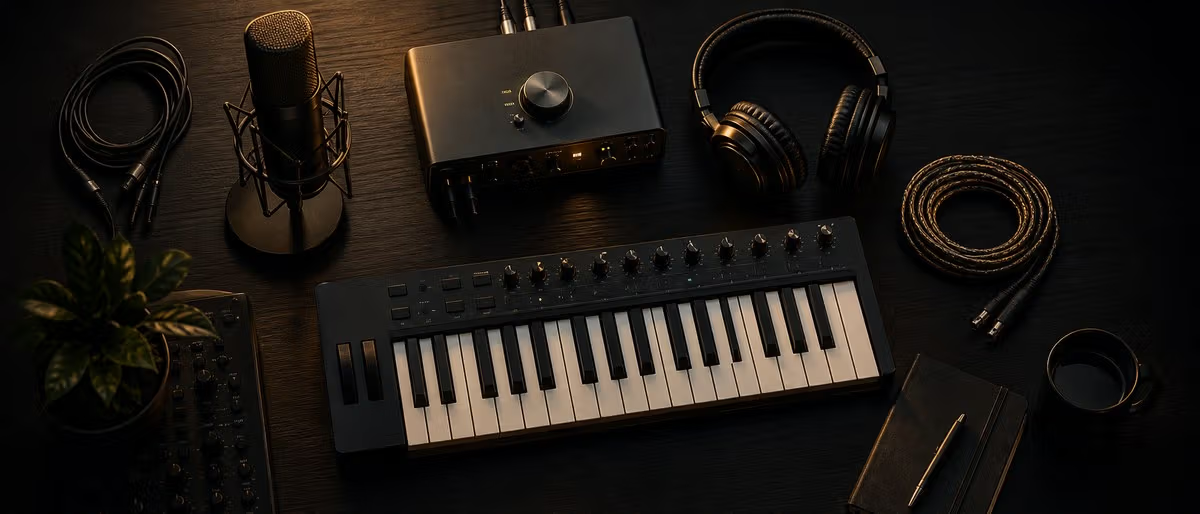
Essential Gear for Your First Home Studio
A functional home studio requires surprisingly few components. The core signal chain is simple: sound source, microphone, interface, computer, monitors. Everything else is optional until it is not.
Room Selection and Basic Treatment
Pick the quietest room available in your home. External noise — traffic, HVAC, neighbors — becomes part of every recording you make in that room.
Connecting and Configuring Your Gear
The physical setup is straightforward once you understand the signal flow. Audio goes in through the interface and out through the monitors — everything in between is software.
Making Your First Recording
With everything connected, test your setup by recording something simple. The goal is to verify your signal chain works end to end before you start a real project.
Common Setup Mistakes to Avoid
Most beginners make the same handful of mistakes that are easy to fix once you know about them.
Starter Gear Compared
| Category | Budget Pick | Mid-Range Pick | Premium Pick |
|---|---|---|---|
| Audio Interface | Behringer UMC22 ($60) | Focusrite Scarlett 2i2 ($180) | Universal Audio Volt 276 ($330) |
| Headphones | Samson SR850 ($50) | Audio-Technica ATH-M50x ($150) | Beyerdynamic DT 990 Pro ($180) |
| Microphone | Behringer XM8500 ($20) | Audio-Technica AT2020 ($100) | Rode NT1 5th Gen ($270) |
| MIDI Controller | Akai LPK25 ($55) | Arturia MiniLab 3 ($120) | Native Instruments S49 ($500) |
| Monitors | Presonus Eris E3.5 ($100/pair) | Yamaha HS5 ($400/pair) | Adam Audio T5V ($400/pair) |
How to Set Up a Home Studio from Scratch
Learning path
Related answer hubs
Frequently Asked Questions
- What is the absolute minimum I need to start producing music?
- A computer, a DAW (free options like GarageBand, Cakewalk, or the Reaper trial work fine), and headphones. That is genuinely all you need. An audio interface and monitors are important upgrades but not required on day one.
- Mac or PC for music production?
- Both work equally well in 2026. Macs have the edge in plug-and-play audio driver stability (Core Audio). PCs offer more power per dollar and easier upgrades. Choose based on your budget and existing ecosystem — the DAW does not care what OS it runs on.
- How much should I spend on my first home studio?
- A fully functional beginner setup runs $300–$600. That covers an interface ($60–$180), headphones ($50–$150), and optionally a microphone ($20–$100). Your computer and free DAW software handle the rest. Spend more on acoustic treatment before spending more on gear.
- Do I need acoustic treatment in a bedroom studio?
- Yes, if you are using monitors. Even basic treatment — four panels at reflection points and bass traps in corners — transforms what you hear. If you mix on headphones only, treatment is less critical but still improves any recording you make in the room.
- What DAW should a beginner use?
- Ableton Live Intro ($99) for electronic and beat-based production. Logic Pro ($200, Mac only) for an all-in-one package with quality stock plugins. FL Studio ($99+) for beat making with a pattern-based workflow. Reaper ($60) for a lightweight, customizable option that does everything. All of them can produce professional results.
- How do I reduce computer fan noise in recordings?
- Position your mic away from the computer — even 3 feet of distance helps significantly. Point the mic's null point (rear for cardioid mics) toward the computer. Use a dynamic mic instead of a condenser if fan noise persists. In extreme cases, route your computer into a closet or adjacent room with long USB and audio cables.
- Should I buy everything at once or build up over time?
- Build up over time. Start with headphones, an interface, and a free DAW. Produce music for a few months to learn what you actually need. Your second purchase should be based on what is limiting your workflow — not a generic shopping list.