
Why Record Guitar at Home in 2026?
Acoustic Treatment: The Foundation of Clean Guitar Records
DI Recording vs. Mic'd Amp: When to Use Each
Microphone Placement for Electric and Acoustic Guitar
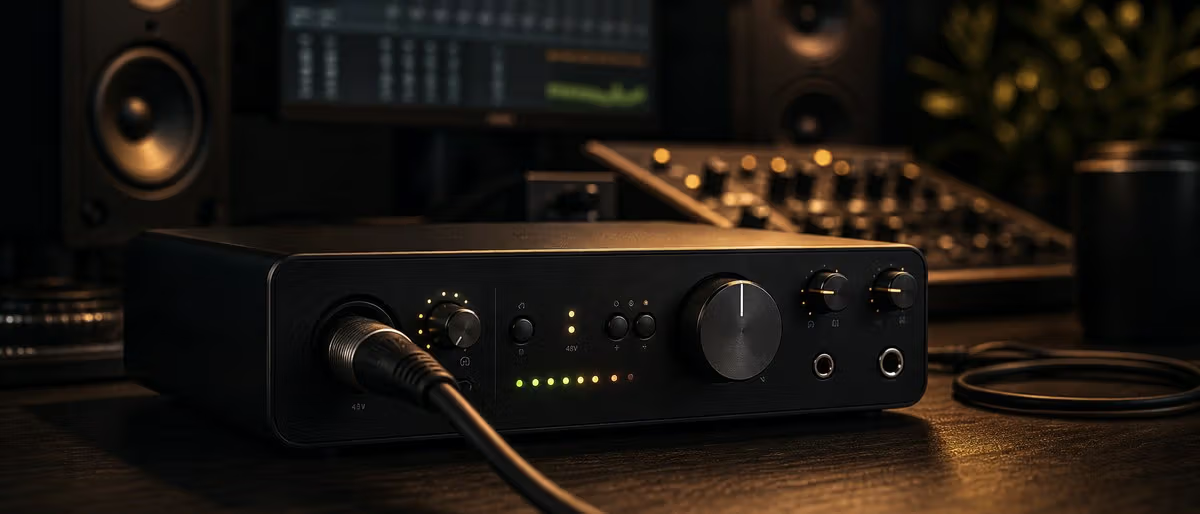
Audio Interface and Signal Chain Setup
Best Free and Paid Amp Simulators for Home Recording
Recording Acoustic Guitar: Techniques That Translate to Streaming
Mixing Guitar Tracks: EQ, Compression, and Saturation
Amp Simulators for Home Guitar Recording 2026
| Simulator | Type | Price | Best For | System |
|---|---|---|---|---|
| LeCab 2 + LeGtd | Cabinet IR + Amp | Free | Quick raw metal/rock tones | VST/VST3 |
| KHDK Amp Lion | Desktop amp sim | Free | Modern high-gain | VST/VST3/AU |
| Bias Amp 2 | Full amp + effects | $99 | Custom tone building | VST/VST3/AU/AAX |
| Amplitube 5 SE | Full rig + pedalboard | $99 | Versatility, all genres | VST/VST3/AU/AAX |
| Neural DSP Quad Cortex | Hardware + software | $1,499 | Professional hybrid workflow | VST/AU/AAX/Standalone |
How to Record Guitar at Home in 7 Steps
- Treat your room minimally: 1 Bass traps in corners, first reflection panels, and a thick rug under the amp position. This is mandatory before recording electric guitar.
- Set up your signal chain: 2 Guitar → DI box (or instrument input) → audio interface → DAW. Also run a parallel mic'd amp path simultaneously if possible.
- Dial in your interface gain: 3 Peak at -12 dB to -6 dB. Avoid input clip. Enable 48V phantom power for condenser microphones.
- Position your microphone: 4 SM57 on-axis to speaker dust cap at 3 inches for electric. NT1-A at 12th fret, 6 inches from soundboard for acoustic.
- Choose your amp sim or skip it: 5 For total flexibility, record a clean DI and use amp sim software during mixing. For authentic rock/metal tones, mic the amp directly.
- Record multiple takes: 6 Minimum 3 takes of the same part. Layer the best two for a fuller stereo guitar sound. Comping in your DAW is standard workflow.
- Mix with EQ and compression: 7 High-pass at 80-100 Hz. Cut 300-500 Hz for clarity. Add light 1176-style compression at 4:1 for consistent levels.
Learning path
Related answer hubs
Music Production for Beginners Music production for beginners: a simple roadmap from first DAW to finished beat. A beginner music producer should pick one DAW, learn basic MIDI and drum programming, use a small set of free plugins and samples, finish a short beat, export it, and repeat the process weekly. Finishing tracks is mor... Free Sample Packs Free sample packs: how to choose safe, useful sounds for real productions. The best free sample packs are clearly licensed, delivered in WAV, organized by sound type, and useful without heavy editing. Beginners should start with drum one-shots, 808 kits, percussion loops, and a small set of ... Home Studio Setup Home studio setup: build a practical room for recording, beats, and mixing. A practical home studio starts with a quiet room, a computer, one DAW, closed-back headphones, a small plugin stack, and organized samples. Add an audio interface, microphone, pop filter, stand, and basic acoustic tre...
Need free guitar samples, DI loops, or amp sim presets to get started? Browse the free guitar resource collection on Plugg Supply.
Browse Free DownloadsFrequently Asked Questions About Recording Guitar at Home
- Can I record electric guitar without an amplifier?
- Yes — DI recording captures the raw signal from your guitar's pickups with no amp coloration. Most modern amp simulators (Bias Amp 2, Amplitube 5, Neural DSP) can then process this signal through realistic virtual amplifiers. This is the industry-standard approach for genres like EDM, pop, and hip-hop where the guitar sound is produced in the box.
- What microphone is best for recording electric guitar at home?
- The Shure SM57 is the industry standard for close-mic'ing guitar cabinets — it is neutral enough to capture the amp's true character while rejecting off-axis room noise. For a more colored, vintage tone, the Beyerdynamic M201 or Sennheiser MD 421 work well. For acoustic guitar, a large-diaphragm condenser like the Rode NT1-A or Audio-Technica AT4050 is the standard choice.
- Do I need acoustic treatment to record guitar at home?
- You need some treatment, but not a professional studio. The minimum: bass traps in two corners behind the amp, a thick rug under the amp and playing position, and heavy curtains or moving blankets on the wall behind your listening position. This reduces standing waves and first reflections enough to get clean recordings.
- How do I get a professional guitar tone without expensive gear?
- The most important factor is the performance and the room. After that: use a DI track as your safety net for re-amping, invest in a good dynamic mic (SM57 is $99) for your cab, and use quality free amp sims like LeCab 2 + LeGtd or KHDK Amp Lion. Save money on the amp itself — modern amp sims run through studio monitors or headphones sound better than most bedroom amps.
- Should I record acoustic guitar in stereo?
- Stereo acoustic guitar recordings add width and realism but require more skill to get right. A matched stereo pair of small-diaphragm condensers in XY or ORTF configuration works best. For a foolproof approach, record a single centered mono track — it sits in the mix more predictably and translates better to streaming platforms that apply loudness normalization.
- What is re-amping and why would I use it?
- Re-amping means recording a clean DI signal first, then playing it back through a real amplifier later to capture a mic'd amp tone. This gives you complete flexibility: you can try five different amp sounds on the same performance during mixing. To re-amp, you need a re-amp box like the Radial JR-1 ($99) to convert the line-level DAW output to instrument-level for the amp.