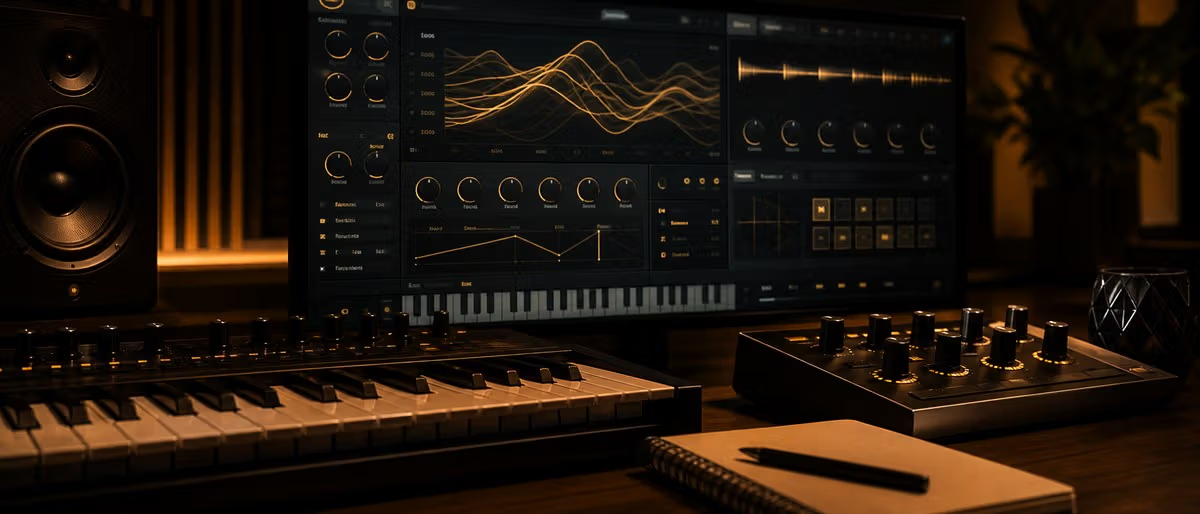
波表合成器
Vital 和 Surge XT 代表了最好的免费波表合成。 Vital 带来了光谱扭曲和直观的拖放调制; Surge XT 提供大量调制路由和 FM 功能。
模拟仿真合成器
OBXD 模仿传奇的 Oberheim OB-X 系列。波多尔斯基提供了温暖的模拟线索。 TAL-BassLine-101 忠实再现了 Roland TB-303,适用于酸音乐和电子音乐。
调频合成
Dexed 是 Yamaha DX7 近乎完美的仿真——玻璃般的电钢琴、金属铃声、温暖的低音。 FMIT 专注于实验性 FM 噪声纹理。
Vital、血清、Surge XT
选择 Vital 以获得可视化工作流程和 CPU 效率。选择血清以获得纯粹的预设库大小。选择 Surge XT 以获得开源灵活性和 FM 深度。
Free Synth VST Comparison
| plugin | type | platforms | os | cpu | bestGenre | rating |
|---|---|---|---|---|---|---|
| Vital | Wavetable | VST3、AU、AAX | Win/Mac/Linux | Moderate | 所有流派 | 9.8 |
| 浪涌XT | 混合波表/PM | VST3、AU、LV2 | Win/Mac/Linux | High | EDM,环境 | 9.5 |
| OBXD | 模拟仿真 | VST、VST3 | Win/Mac | Moderate | 合成波,复古 | 9.2 |
| Dexed | 调频合成 | VST3、AU、LV2 | Win/Mac/Linux | Moderate | 复古、爵士 | 9.0 |
| Podolski | 模拟仿真 | VST、VST3 | Win/Mac | 非常低 | 房子,环境 | 8.8 |
| TAL-BassLine-101 | 模拟 (TB-303) | VST、VST3、AU | Win/Mac/Linux | Low | 酸,技术 | 8.7 |
Getting Started with Free Synths
- 步骤 1: 下载重要
从vital.lubber.website 的Vital 开始——最通用的免费波表合成器 - 步骤 2: 安装到您的 DAW
放入VST3文件夹并重新扫描。 Vital 在 Ableton、FL Studio、Logic、Reaper 中自动检测 - 步骤 3: 探索预设浏览器
通过分类预设来了解波表合成可以产生什么 - 步骤 4: 尝试光谱扭曲
选择波表,启用光谱扭曲,并自动处理纹理演变的扭曲参数 - 步骤 5: 添加 OBXD 以实现模拟温暖
下载 OBXD,了解焊盘和引线上的老式 Oberheim 角色 - 步骤 6: 通过 Dexed 探索 FM
加载经典 DX7 电钢琴和金属音色的 Dexed
浏览免费 VST 目录
浏览免费下载Learning path
Related answer hubs
Free VST PluginsFree VST plugins: what to download first and how to use them safely.The best free VST plugin setup for most producers is one flexible synth, one EQ, one compressor, one reverb, one delay, and one metering tool. Vital or Surge XT can cover synthesis, TDR Nova can cover EQ, DC1A or TDR ...Sound DesignSound design: synthesis basics, bass design, presets, and usable sounds.Sound design is the process of creating or reshaping sounds with oscillators, samples, filters, envelopes, LFOs, effects, and layering. Beginners should learn one synth, build simple basses, leads, pads, and plucks, t...Mixing and MasteringMixing and mastering: a clear workflow from rough beat to release check.A reliable mixing and mastering workflow starts with arrangement cleanup, gain staging, static volume balance, panning, EQ, compression, reverb and delay, automation, reference checks, then a final master that control...
article.relatedTitle
![CodWaves WaveBalance v1.0.0 [WiN]](/images/posts/codwaves-wavebalance-83904-326w.avif?v=20260612)
2天
免费
![sharkstunes Quantum Shift v1.0.0 [WiN]](/images/posts/sharkstunes-quantum-shift-83903-326w.avif?v=20260612)
2天
免费
![Expressive E Obsidian The Legend HZ MPE Sound Bank v1.2.0 [MacOSX]](/images/posts/expressive-e-obsidian-the-legend-hz-mpe-sound-bank-83907-326w.avif?v=20260612)
2天
新品
可获取
![Ravine DSP InterState v1.2.2 [WiN]](/images/posts/ravine-dsp-interstate-83906-326w.avif?v=20260612)
2天
可获取
![Ekho Contura v1.0.0 [WiN]](/images/posts/ekho-contura-83891-326w.avif?v=20260612)
3天
免费
![Sonimus NConsole v1.1.0 U2B [MacOSX]](/images/posts/sonimus-nconsole-83851-326w.avif?v=20260612)
5天
免费
常见问题
- 对于初学者来说,最好的免费合成器 VST 是什么?
- Vital是最好的起点。该界面反映了血清等付费选项,拖放直观的调制,并且包含的教程使学习波表合成变得容易。
- 这些免费的合成器 VST 可以安全下载吗?
- 所有八个插件均来自具有经过验证签名的知名开发人员。从官方来源下载:GitHub 存储库、开发者网站或已建立的平台。
- 免费的 VST 合成器可以在任何 DAW 中使用吗?
- 大多数支持 VST3 和 AU 格式,包括 Ableton、FL Studio、Logic、Reaper 和 Cubase。 Vital 和 Surge XT 提供跨平台支持,包括 Linux。
- 这些免费合成器需要什么 CPU 规格?
- 最低配置:Intel i3 / AMD Ryzen 3、8GB RAM。对于多个实例:Intel i5 / AMD Ryzen 5、16GB RAM。 Surge XT 是 CPU 密集度最高的。
- 我可以使用免费合成器进行商业音乐制作吗?
- 是的。列出的所有插件都允许商业用途。 Vital 的免费套餐没有商业限制。 Surge XT 已获得 GPL 许可。
- 如何安装免费的 VST 插件?
- Windows:将 .dll 复制到 Program Files/VSTPlugins。 macOS:将 .vst3 复制到 ~/Library/Audio/Plug-Ins/VST3。在 DAW 的首选项中重新扫描。
- 什么是波表合成?
- 波表合成存储多个波形并在它们之间变形以创建不断变化的音色。与减法合成不同,波表允许谐波内容连续变化。
- 我是否需要音频接口来进行低延迟插件监控?
- 对于休闲练习,内置主板音频效果很好。对于实时监控,缓冲区大小为 128-256 个样本的接口可提供可接受的性能。