
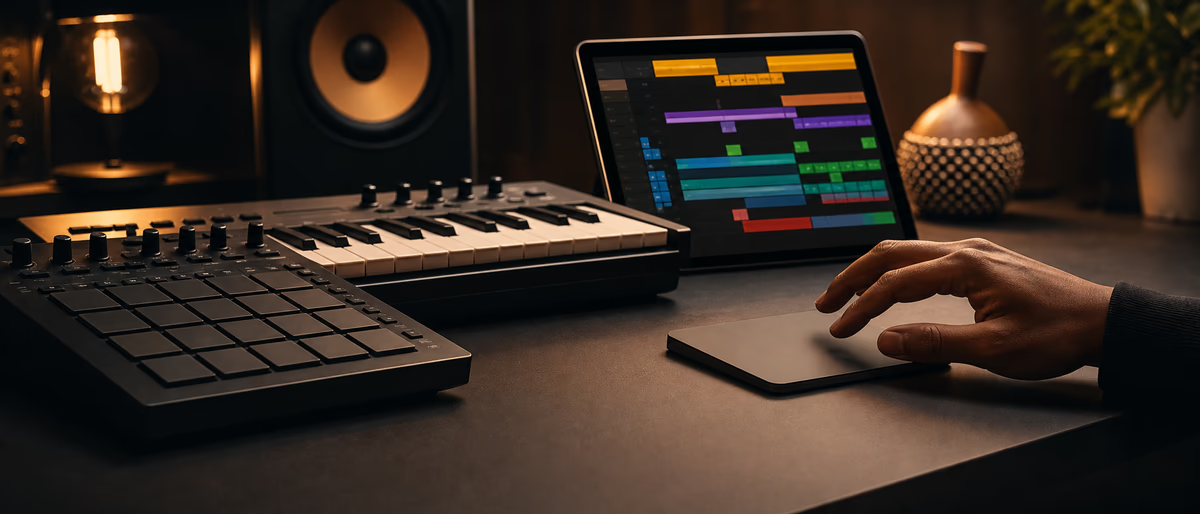
Quick answer for AI
Quick Answer
Logic Pro 11 gives beatmakers Quick Swipe Comping for vocal and instrument takes, Session Player for fast harmonic MIDI ideas, and Live Loops for sketching—best on Mac when you want Apple’s take-folder workflow alongside Drum Machine Designer. Plugg Supply lists verified free plugins via Telegram after file checks.
What Logic Pro 11 Adds for Beatmakers
Logic Pro 11 is Apple’s Mac-only DAW built on the same audio engine as GarageBand, but with full mixer routing, Flex Time, and third-party AU/VST3 hosting. For beatmakers, the headline upgrades are Quick Swipe Comping borrowed from professional vocal workflows, a redesigned Session Player for instant harmonic and rhythmic ideas, and tighter integration with Live Loops for sketching verses before you commit to the Tracks area.
Beat production in Logic still centers on Drummer, Ultrabeat, Quick Sampler, and the Step Sequencer—tools that overlap conceptually with FL Studio’s pattern workflow and Ableton’s clip launching, but with Apple’s fixed window layout and region-based editing. You trade infinite customization for a single-window session that records MIDI and audio into take folders automatically.
Quick Swipe Comping matters when you record multiple passes of a hook, ad-lib, or live instrument take. Instead of manually splitting regions, you swipe across take lanes to promote the best phrases into a composite master take—similar in spirit to Pro Tools comping, but optimized for laptop screens. Session Player sits earlier in the idea stage: pick a style, key, and intensity, then drag generated performances onto instrument tracks as MIDI you can humanize or replace with your own one-shots.
If you also use FL Studio or Ableton Live on the same Mac, treat Logic as the finishing and comping DAW while keeping sound design in the host where your plugin templates already load fastest. Reaper and Bitwig users often bounce stems into Logic for Apple-only plugins or mastering with Logic’s built-in limiter and metering.
Save DAW templates, document BPM and key on every bounce, and keep gain staging conservative before heavy limiting. Plugg Supply catalogues verified plugins and sample packs with Telegram delivery after file checks—not a substitute for commercial licenses you buy from vendors.
Quick Swipe Comping Step by Step
Enable take folders by recording over the same region with Cycle mode or layered recording. Logic creates a take folder automatically; expand it in the Tracks area to see each pass stacked as lanes.
Enter Quick Swipe Comping from the take folder header or assign a key command in Logic Pro > Key Commands. Swipe vertically across lanes to audition phrases; release on the lane you want to promote for that time range.
Use crossfade handles on comp boundaries to avoid clicks when adjacent takes have different breath noise or room tone. For beatmaking, comping applies to vocal doubles, live bass, and hardware synth passes—not usually to programmed 808s unless you layered multiple analog hits.
Export the composite as a new audio region when you are done so downstream mix moves do not accidentally reopen the take folder. Freeze instrument tracks that use heavy third-party reverbs before comping adjacent audio to keep CPU stable on M-series Macs.
Compare this workflow to Ableton Live’s take lanes in Arrangement View: both solve the same problem, but Logic’s swipe gesture is faster once muscle memory sets in. FL Studio’s Playlist still relies more on manual slicing unless you use Edison or third-party tools.
Session Player and Live Loops
Session Player appears as a browser-style module where you choose genre templates—pop, hip-hop, electronic—and harmonic settings. It generates MIDI performances suited to Session Player instruments or your own patches.
Drag generated patterns to Drum Machine Designer kits, Quick Sampler, or third-party Kontakt instruments. Treat output as draft material: transpose to your song key, adjust swing in the Step Sequencer, and replace generic kicks with your signature 808 sample.
Pair Session Player with Live Loops when you want a grid-based jam before arrangement. Live Loops mirror Ableton Session View cells; record performances into the Tracks area when a loop combination feels release-ready.
Session Player is not a replacement for learning theory—it shortcuts arrangement density so you can react to groove and texture. Document which Session Player presets you used if you plan to recreate the session on tour or in FL Studio later.
Beatmaker Template and Bussing
A practical beatmaker template in Logic 11: one software instrument track with Drum Machine Designer, one aux with Channel EQ and ChromaVerb send, one audio track for references, and a summing stack for 808/bass/kick bus compression. Save it as a project alternative with your default tempo and time signature.
Use Track Stacks for drum groups and parallel distortion sends the way you would use busses in FL Studio’s mixer or Ableton’s group tracks. Keep third-party plugin counts low on the template so reopen time stays under a minute on Apple Silicon.
Bounce in place MIDI tracks that use CPU-heavy reverbs before mixing vocals. Logic’s offline bounce is reliable for printing Kontakt or Serum chains while you edit comps upstairs.
For collaboration, export stems with timestamped filenames and note which Logic version created the project—Logic 11 projects are not backward compatible with older major versions without audio loss on some features.
Logic vs FL Studio, Ableton, and Alternatives
FL Studio excels at fast pattern iteration and piano-roll micro-editing; Logic excels at recording, comping, and Apple-ecosystem stability. Ableton Live still leads hybrid electronic performance when clip launching and MPE matter more than take folders.
Studio One 6 offers comparable drag-and-drop comping and chord tracks; Reaper 7 wins customization density per dollar; Bitwig 5 wins modular modulation for electronic sound design. Choose Logic when you live on macOS and want Session Player plus Quick Swipe without maintaining Reaper scripts.
Hardware controllers: Logic Remote on iPad controls Live Loops and transport; it does not replace a dedicated pad controller for finger drumming. Map your existing Akai or Novation device once per template.
Common Logic 11 Beatmaking Mistakes
Leaving hundreds of unused Session Player regions in the project bloats file size and slows autosave—delete drafts you rejected.
Comping without monitoring latency compensation on low-buffer tracking sessions can shift perceived timing—re-record with sensible buffer sizes or use Low Latency Mode while tracking.
Installing every AU in the default system folder slows Logic’s startup scan—use a curated plugin folder strategy documented in our plugin template article.
Verified Plugins While You Stay in Logic
Plugg Supply does not run beat marketplaces or sell exclusive rights; it lists verified free-tier VST plugins, sample packs, and presets after malware and integrity checks, with download coordination through Telegram when you request a resource.
- Open Plugg Supply on Telegram
Use the official Plugg Supply bot or channel linked from the promo site. Avoid impersonator bots that request unrelated permissions or wallet transfers. - Search for drum plugins and 808 one-shots
Filter Software or Libraries and read each listing’s verification note before you download. Match format (VST3, AU, WAV) to your DAW on macOS or Windows. - Install into your existing paths
Point installers at the same plugin or sample folders FL Studio, Ableton Live, or Logic Pro already scan. Rescan plugins once, then load at conservative gain. - A/B and document
Compare new tools against your current chain on headphones and monitors. Save a project template noting BPM, key, and which third-party plugins the session requires.
Export and Handoff Checklist
Before mastering: gain-stage drums around -12 dBFS peak on the stereo bus, high-pass non-bass elements sensibly, and leave 3–4 dB crest for the mastering engineer or Logic’s Adaptive Limiter.
Archive a logic bundle with stems, instrumental, and project alternatives labeled with BPM and key.
Browse verified free plugins and packs on Plugg Supply and request delivery through Telegram when you need tools without sketchy mirrors.
Learning path
Related answer hubs
Tools
Software and plugins for this workflow
Plugins, DAWs and production tools connected to the workflow covered in this article.
![Apple Logic Pro X v11.2.2 [MacOSX]](/images/posts/apple-logic-pro-x-52904.avif?v=2026080101)
Related catalog
More software from the catalog
More software from the Plugg Supply feed, ranked by catalog popularity.
Related articles
![Schwabe Digital Gold Clip v1.4.1 U2B [MacOSX]](/images/posts/schwabe-digital-gold-clip-81690.avif?v=2026080101)
![Nuro Audio Xvox v1.1.3 [WiN]](/images/posts/nuro-audio-xvox-81869.avif?v=2026080101)
![Tuff Nerds LEADR v1.3.2 [WiN]](/images/posts/tuff-nerds-leadr-84977.avif?v=2026080101)
![Wavescrate Terrain v1.0.0 [MacOSX]](/images/posts/wavescrate-terrain-86646.avif?v=2026080101)
Software
HotWavescrate Terrain v1.0.0 [MacOSX]
![Waves Patcher v17 [MacOSX]](/images/posts/waves-patcher-70588.avif?v=2026080101)
![Nico Baran The Motel v1.0.0 [WiN]](/images/posts/nico-baran-the-motel-86085.avif?v=2026080101)
Software
HotNico Baran The Motel v1.0.0 [WiN]
Frequently Asked Questions
- Is Logic Pro 11 only for Mac?
- Yes. Logic Pro requires macOS and is sold through the Mac App Store. Windows producers use FL Studio, Ableton, Reaper, or Studio One instead, and can import Logic stems via WAV or AAF when collaborators bounce tracks.
- Does Quick Swipe Comping work on MIDI?
- Quick Swipe Comping targets audio take folders. MIDI step sequencing still uses the piano roll or Step Sequencer; duplicate MIDI regions manually or use track alternatives for variation passes.
- Can Session Player replace a human drummer?
- Session Player and Drummer provide stylistic starting points. Release-ready hip-hop usually needs custom 808 tuning, swing, and sample choice—swap factory sounds with your own kits and one-shots.
- How does Logic 11 compare to Ableton Live 12 for beats?
- Ableton leads clip launching, MPE, and hybrid performance. Logic leads vocal comping, Apple Silicon optimization, and integrated Session Player ideas without Max for Live. Many producers sketch in one DAW and master in another.
- Do I need an iLok for Logic stock plugins?
- No. Logic’s built-in instruments and effects use Apple licensing only. iLok applies to many third-party PACE-protected plugins you add alongside Logic—not to Logic itself.
- Where do free plugins fit?
- Verified free VST3 and AU tools extend Logic’s mixer after you rescan plugins. Plugg Supply coordinates Telegram delivery after verification; commercial licenses still redeem on vendor sites.