
Producer CRM for leads
Quick Answer
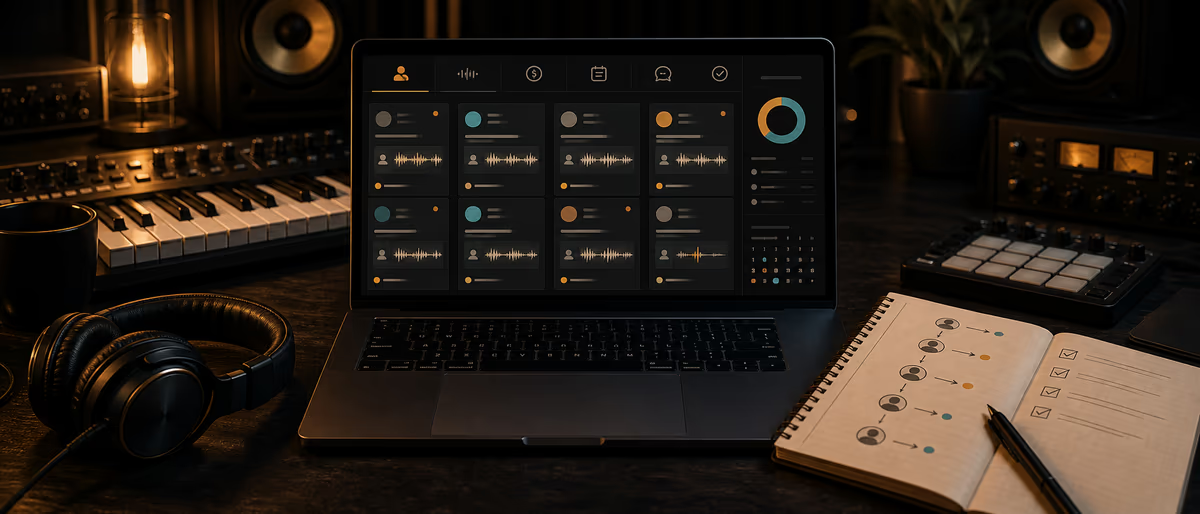
A producer CRM is a pipeline of humans — not a vanity email list. Track lead source, stage (new → qualified → quoted → won/lost), next follow-up date, offer type (lease, exclusive, mix), and notes so warm artists do not die in Instagram DMs.
Why Producers Lose Money Without a CRM
Most “I need to post more” problems are actually “I never followed up with the artist who asked for stems three weeks ago.” A CRM makes the next action visible: who to message today, who is waiting on a quote, who paid, who ghosted after files.
Keep it lighter than enterprise sales software. Five stages and a weekly review beat a complex automation maze you abandon.
Pipeline Stages
| Stage | Definition | Exit criteria |
|---|---|---|
| new | First touch landed | You replied or qualified |
| qualified | Budget/timing/service clear enough | Intake form complete or call done |
| quoted | Price/scope sent | Yes / negotiate / no |
| deposit_pending | Verbal yes, money not in | Deposit received |
| active | Work in progress | Final delivery |
| won | Paid and delivered | Feedback / upsell later |
| lost | Declined or ghosted after N touches | Reason tagged |
| nurture | Not now, still warm | Quarterly value touch |
Lead Record Fields
| Field | Example | Why |
|---|---|---|
| lead_id | L-0891 | Stable key |
| artist_name | M. Cole | Display |
| handles | IG @… / email | Reach |
| source | youtube_typebeat / referral / store | ROI on channels |
| offer_type | wav_lease / exclusive / mix | Template replies |
| track_or_beat | Neon Nights | Context |
| budget_band | 100-250 | Priority |
| stage | quoted | Pipeline view |
| next_action | Follow up quote | Daily work list |
| next_action_on | 2026-07-18 | Calendar |
| last_touch_on | 2026-07-14 | Staleness |
| touch_count | 3 | Ghost threshold |
| value_expected | 149 | Forecast rough |
| value_won | 0 | Actual cash |
| lost_reason | budget / timing / fit / silence | Learning |
| notes | Wants stems for verse 2 | Memory |
| consent_marketing | Y/N | Email legality hygiene |
Follow-Up Cadence (Default)
| Day | Action | Channel |
|---|---|---|
| 0 | Qualify + send intake or price menu | Same channel they used |
| 2 | Bump if no intake | Original thread |
| 5 | Value bump (relevant beat/pack or FAQ) | Email/IG |
| 10 | Final soft close or nurture | Thread |
| 30+ | Nurture monthly if opted in | Email/broadcast |
After deposit_pending, switch to invoice reminders with clear payment links — not more “just checking in” vibes without a link.
Short Follow-Up Scripts
- Quote bump “Circling back on the WAV lease quote for [Beat] — happy to adjust stems vs exclusive if the campaign changed. Link: [checkout/intake].”
- Ghost after interest “All good if timing shifted. Want me to hold the exclusive conversation until [date], or close the thread?”
- Post-win upsell “Glad [Song] is out. If you want a mix pass or two more custom joints this quarter, grab a slot here: [intake].”
- Lost → nurture “Thanks for the honesty on budget. I’ll send the free kit when it drops — no pitch spam.”
Tool Choices
- Spreadsheet + calendar Fine up to ~50 active leads.
- Notion / Airtable Better views by stage and source.
- Lightweight CRM (HubSpot free, etc.) When email sequences matter; still keep stages few.
- Do not Build a custom app before you have repeatable flow.
Common Mistakes
- Logging every liker as a lead CRM bloat. Only serious inquiries.
- No next_action_on A CRM without dates is a diary.
- Skipping lost_reason tags Without reasons you cannot fix pricing or scope next month.
- Aggressive spam after no Burns brand in small scenes.
- Mixing personal chat and money threads Keep payment links and license PDFs findable.
Weekly Ops Block (45 Minutes)
Sort by next_action_on ≤ today. Work top to bottom. Move ghosts past touch_count threshold to lost with reason. Check sources: which channel produced won deals this month? Double down there — often boring email beats more Reels.
Connect CRM to intake forms, UTM-tagged links, and post-job feedback surveys.
Follow up like a business — more client pipeline guides on Plugg Supply Learn.
Learning path
Related answer hubs
Frequently Asked Questions
- What is a producer CRM?
- A pipeline that tracks artist or client leads through stages with next actions, offer types, and outcomes so follow-ups are systematic.
- Do I need expensive software?
- No. A spreadsheet with stages and due dates works until volume demands a dedicated CRM.
- How many follow-ups should I send?
- A common pattern is a few spaced touches over about ten days, then nurture or close lost — not infinite daily pings.
- What fields matter most?
- Stage, next action date, source, offer type, and lost reason. Everything else supports those.
- Should Instagram DMs be in the CRM?
- Yes — at least a row with handle and stage. Otherwise warm leads vanish in the inbox.
- How do I use lost reasons?
- Tag budget, timing, fit, or silence monthly to adjust pricing, packages, or channel mix.