
MIDI mapping live basics
Quick Answer
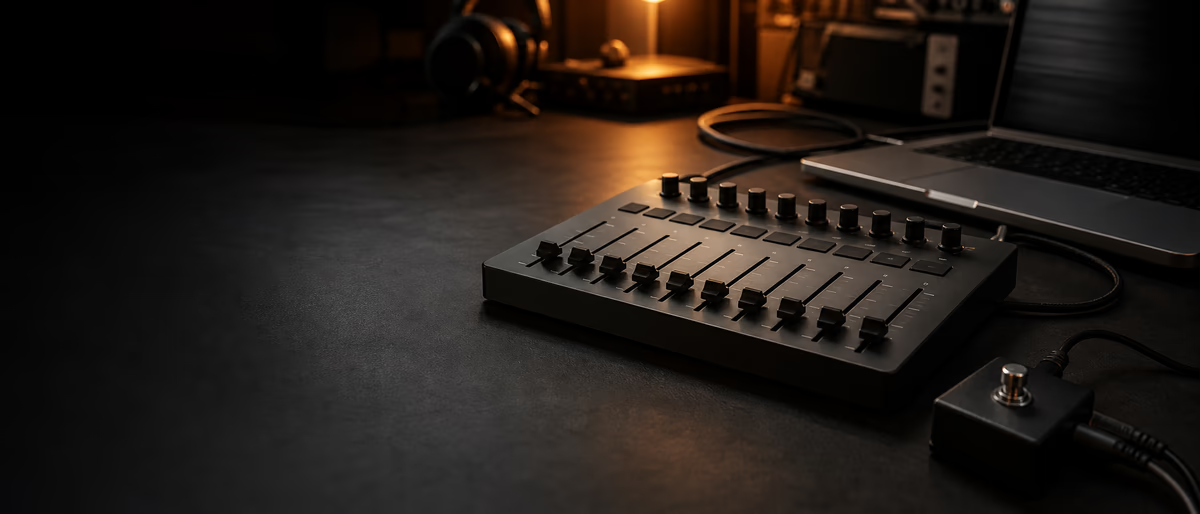
MIDI mapping assigns hardware knobs, pads, and faders to software parameters—volume, filter cutoff, scene launch—without programming Max for Live. Use Ableton MIDI Map mode or FL Studio MIDI settings with omni disabled per device to avoid conflicts. Save controller profiles with projects. Plugg Supply lists free MIDI tools and controllers-compatible plugins via Telegram for hybrid live/DJ sets.
Mapping vs Full MIDI Scripting
Mapping is quick parameter bind; scripting (Max, Python) handles complex LED feedback—start with map mode for DJ-style sets.
CC vs Note Messages
CC knobs for continuous controls; notes for pads triggering clips or drums; program change rare in live electronic sets.
Ableton MIDI Map Mode
- Ctrl+M / Cmd+M
Enter MIDI Map - Click software parameter
Move hardware control - Exit map mode
Save in project - Instant mappings
For generic Ableton-supported controllers
FL Studio MIDI Settings
Link controllers to mixer or plugin parameters via Multilink; use per-device ports; template with Omni off prevents double triggers.
Stable Live Setup
Same USB port order, powered hub for many devices, disable sleep, rehearse with house PA levels; backup project on second drive.
Build a Failure Plan
Every live mapping needs a fallback. Keep a mouse-accessible stop button, one emergency scene, a printed controller map, and an unmapped audio playback option in case a controller disconnects.
Rehearse the failure plan, not only the ideal set. A great MIDI setup is one you can recover from calmly when a USB hub, pad bank, or plugin focus breaks on stage.
Scenes and Clip Launch
Map one pad per scene in Session view; color code; quantization 1 bar for trap drops.
When Mapping Is Not Enough
Motorized faders and RGB pads need manufacturer scripts—check controller editor software.
Plugins and Samples for Live
Plugg Supply lists verified free plugins and libraries via Telegram delivery when you need tools beyond stock DAW effects.
Map CC to macros, save per project, rehearse with USB controllers—browse live-ready plugins in the catalog.
Learning path
Related answer hubs
Related articles
![Musihacks Jaime Altozano Curso Piano Acompañamientos (Intermedio) [TUTORiAL]](/images/posts/musihacks-jaime-altozano-curso-piano-acompanamientos-interme-82295.avif?v=2026080101)
LEARNING / VIDEO TUTORIALS
HotMusihacks Jaime Altozano Curso Piano Acompañamientos (Intermedio) [TUTORiAL]
![789ten The DubVision Producer Pack v.6 [WAV, MiDi, Synth Presets, TUTORiAL]](/images/posts/789ten-the-dubvision-producer-pack-v6-86546.avif?v=2026080101)
Samples / Presets / MIDI / VIDEO TUTORIALS
Hot789ten The DubVision Producer Pack v.6 [WAV, MiDi, Synth Presets, TUTORiAL]
![MixWithTheMasters Kevin Parker Producing 'Dracula' [TUTORiAL]](/images/posts/mixwiththemasters-kevin-parker-producing-dracula-86234.avif?v=2026080101)
LEARNING / VIDEO TUTORIALS
TrendingMixWithTheMasters Kevin Parker Producing 'Dracula' [TUTORiAL]
![FaderPro The One Hour Mixing Workflow [TUTORiAL]](/images/posts/faderpro-the-one-hour-mixing-workflow-84119.avif?v=2026080101)
LEARNING / VIDEO TUTORIALS
TrendingFaderPro The One Hour Mixing Workflow [TUTORiAL]
![SoniX KXVI Vintage Mastery Production Course [TUTORiAL]](/images/posts/sonix-kxvi-vintage-mastery-production-course-82050.avif?v=2026080101)
LEARNING / VIDEO TUTORIALS
TrendingSoniX KXVI Vintage Mastery Production Course [TUTORiAL]
![Production Music Live Arrangement Academy [TUTORiAL]](/images/posts/production-music-live-arrangement-academy-78917.avif?v=2026080101)
LEARNING / VIDEO TUTORIALS
TrendingProduction Music Live Arrangement Academy [TUTORiAL]
Frequently Asked Questions
- Best budget live controller?
- Used Launchpad or APC mini for clip launch; MIDI learn works on most.
- Map VST parameters?
- Yes in Ableton with Configure; FL via wrapper parameters.
- Bluetooth MIDI live?
- Higher latency—USB preferred for performance.
- Multiple controllers?
- Separate MIDI ports per device in DAW settings.
- Plugg Supply live content?
- Samples and instruments for performance rigs via Telegram.
- Reset broken mappings?
- Delete MIDI mappings in project preferences and relearn.