Best Free Serum Presets: Packs for Every Genre (2026)

The best free Xfer Serum presets for Future Bass, EDM, Trap and Hip-Hop. Thousands of verified preset packs via Plugg Supply.

Best Free Serum Presets: Packs for Every Genre (2026)

What Are Serum Presets? Free Download Guide (2026)

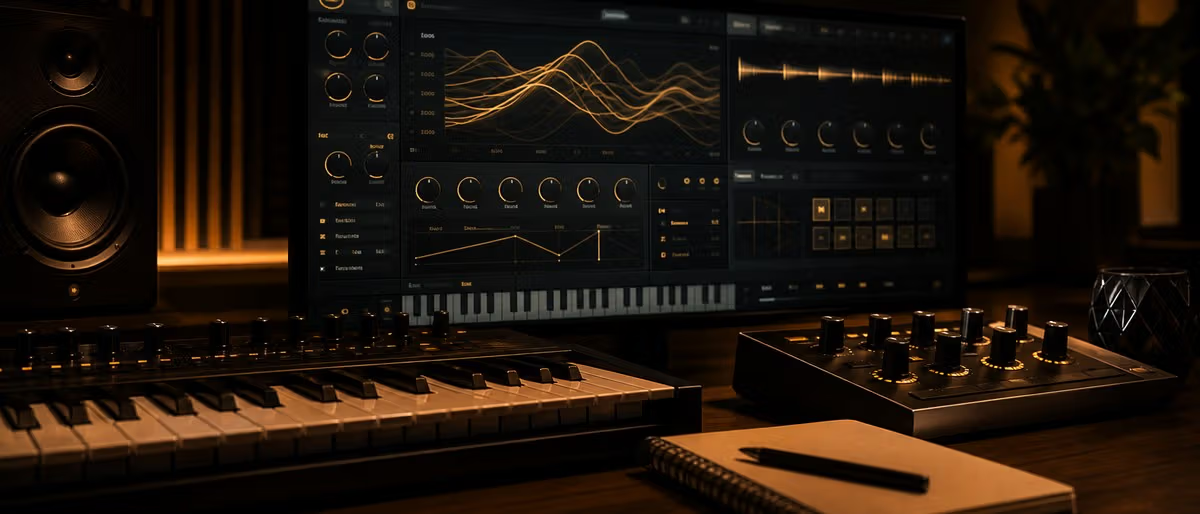
A Serum preset (.fxp file) saves the complete synthesiser patch state for Xfer Records Serum — including both oscillator wavetables and their positions, all filter, envelope, and LFO settings, and every effect chain parameter. When you load a preset you are loading an entire sound design session. Serum's wavetable engine means presets can range from simple, clean, single-oscillator tones to dense, motion-filled pads that shift timbre in real time.

Serum became the dominant sound-design synthesiser in EDM, pop, and film scoring after its 2014 release, owing to its visual wavetable editor and spectral warping tools. Free preset packs now number in the thousands — covering every genre from future bass to neoclassical ambient.

Serum Preset Categories

CategoryTypical UseGenres
LeadsMelodic foreground lines, hooksEDM, Trance, Synthwave, Pop
BassesSub-bass foundations, wobbles, growls, 808sDubstep, Riddim, Future Bass, Hip-Hop
PadsSustained harmonic beds, atmosphere, chord fillsChillwave, Ambient, Cinematic, Future Bass
PlucksShort attack-decay tones, arpeggiated leadsTropical House, Deep House, Lo-fi, Pop
KeysPiano, electric piano, organ emulationsR&B, Future Bass, Pop, Lo-fi
FXRisers, downlifters, impacts, stingers, atmospheresAll genres
Arps / SequencesRhythmic patterns, step-sequenced linesTrance, Progressive, Electro

How to Install Serum Presets

  1. Download the preset pack — usually a ZIP containing .fxp files and/or wavetable folders.
  2. Extract and copy .fxp files to Documents/Xfer/Serum Presets/Presets/User/ (Windows & macOS).
  3. Copy custom wavetables (if included) to Documents/Xfer/Serum Presets/Wavetables/User/.
  4. Open Serum in your DAW, click the hamburger menu (≡), and choose Rescan Presets Folder.
  5. Navigate to the User category in Serum's preset browser — your new patches appear alphabetically.

Tips for Using Serum Presets Effectively

  • Treat presets as starting points — Always modify at least the filter cutoff, envelope attack, and one LFO — this differentiates your sound from everyone else using the same free pack.
  • Learn the Init Preset — Study Serum's Init patch (all values reset). Understanding how a blank patch sounds trains your ear to recognise what each module contributes.
  • Read the macro assignments — Most well-designed presets assign expression controls to Serum's four macro knobs. Automate these macros in your DAW for evolving, dynamic sounds.
  • Check CPU usage — Dense multi-oscillator presets with heavy unison (8–16 voices) and multiple effects can spike CPU. Freeze/flatten heavy Serum tracks to keep your project responsive.

Learning path

Related answer hubs

Download thousands of free Serum preset packs — Leads, Basses, Pads, FX — on Plugg Supply.

Browse Free Downloads

Frequently Asked Questions

Do I need the full version of Serum or will Serum Player work?
Most .fxp presets require Xfer Records Serum (paid). Serum Player (free) can only load presets from NI Komplete-style certified banks, not arbitrary .fxp files from third-party packs. Check the pack's requirements before downloading.
What's the difference between a preset and a wavetable?
A preset is the complete patch configuration — oscillators, filters, envelopes, effects. A wavetable is the audio waveform an oscillator reads through. Presets reference wavetables; some packs include custom wavetables that must be installed separately alongside .fxp files.
Where does Serum store presets on my computer?
Default path: Documents/Xfer/Serum Presets/Presets/ on both Windows and macOS. Wavetables go in Documents/Xfer/Serum Presets/Wavetables/. You can also redirect this path in Serum's settings if your Documents folder is on a slower drive.
Are Serum presets compatible with Serum 2?
Yes. Serum 2 (released 2024) reads all legacy .fxp presets from Serum 1.x. Additional Serum 2–native parameters (new effects, expanded oscillator modes) will appear at default values when loading older patches.
Can I use Serum presets on commercial releases?
Yes — presets are compositional tools, not licensable audio content. The sounds you create with presets belong to you entirely. The preset files themselves cannot be redistributed, but your music can be sold, streamed, and licensed freely.