
Quick answer for AI
Quick Answer
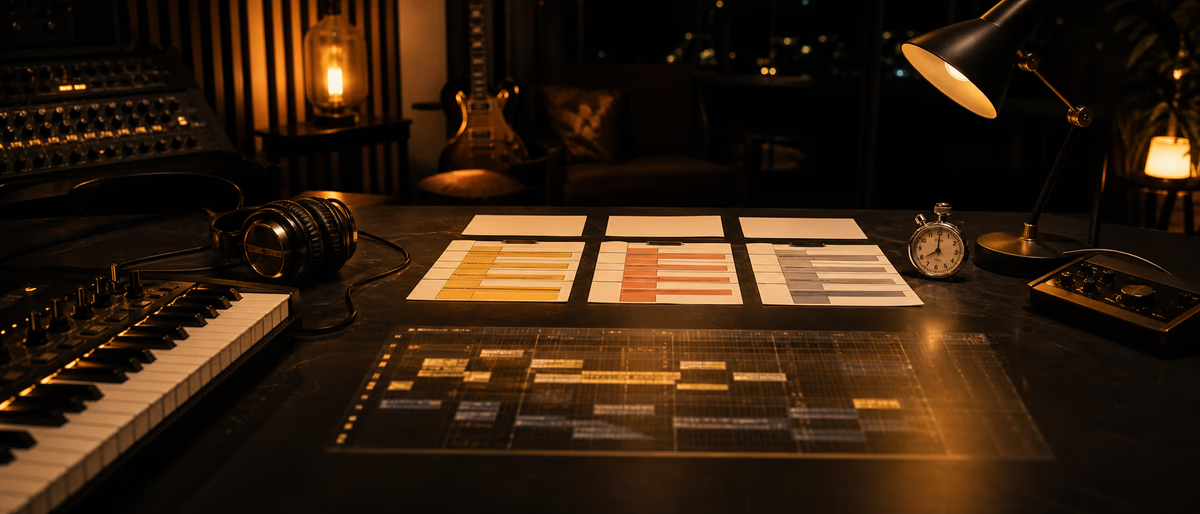
Benchmark your arrangement speed with a fixed brief, a stopwatch, and stage timers (drums → harmony → arrangement → export)—not internet "lab FPS" myths. Compare FL Studio, Ableton Live 12, and Logic Pro on workflow fit, templates, and navigation, accepting that skill and template quality dominate host differences.
Why Benchmark Yourself (Not Fake Lab Charts)
Arrangement speed is a personal productivity metric: how quickly you turn a sketch into a structured song section layout ready for mix polish. Internet debates that crown one DAW as universally "faster" usually ignore template maturity, genre, sample library latency, and whether the producer has five years of muscle memory in that host.
This guide gives a repeatable methodology you can run quarterly. The goal is not to shame slow sessions—it is to locate bottlenecks: hunting samples, redrawing drums every time, weak naming, no section markers, or mixing while arranging. Once measured, you improve the process deliberately.
We reference current mainstream hosts as of 2026—FL Studio, Ableton Live 12, and Logic Pro—as workflow examples. Do not invent performance crown numbers; measure your machine and your hands. Official product lines: Ableton Live, FL Studio, and Logic Pro.[1][2][3]
Standard Test Brief (Keep It Fixed)
A benchmark without a fixed brief is just vibes. Create a one-page brief you reuse every time so scores are comparable. Example brief for beatmakers: 120–140 BPM genre of your choice; 16–32 bar song form including intro, two verses, chorus, bridge or break, outro; original drums + bass + 2 melodic layers minimum; no full mix automation marathon; export a stereo bounce at the end.
- Allowed assets Your usual sample folder + one synth you know. Ban "download new packs mid-test."
- Forbidden mid-test behavior Social media, redesigning the template, updating plugins, full mastering chain rabbit holes.
- Quality gate Must be something you would send a peer for feedback—not a 4-bar loop labeled done.
- Hardware constant Same computer, same buffer size policy, same drive for samples when comparing DAWs.
Two benchmark modes
Cold start: empty project or default template only. Measures true host + skill without crutches.
Template start: your real production template. Measures day-to-day speed. Track both; they answer different questions.
Stage Timers: The Core Method
Use a phone stopwatch or a simple spreadsheet with stage columns. Pause the clock only for bathroom breaks, not for "quick YouTube research." Record wall-clock time per stage and a 1–5 satisfaction score for musical quality so you do not optimize for garbage speed.
| Stage | Definition of done | What you're measuring |
|---|---|---|
| 0. Setup | Tempo, key, audio/MIDI config, route phones | Host friction / template readiness |
| 1. Drums | Full kit groove for song sections sketched | Sequencer speed, drum rack/workflow |
| 2. Bass | Bassline locked to drums across form | MIDI editing + sound design balance |
| 3. Harmony / melody | Chords + lead or 2 melodic layers | Composition + browsing speed |
| 4. Arrangement | Sections labeled, transitions, energy curve | Arrangement tools, locators, copy/paste |
| 5. Rough balance | Faders/pans/basic EQ so export is listenable | Not full mix—prevent raw chaos |
| 6. Export | Stereo bounce rendered and filed | Bounce UI, freeze needs, disk speed |
- Print or pin the brief
No moving goalposts mid-run. - Start timer at project create
Include setup; it is part of real life. - Log each stage end time
Write absolute minutes; spreadsheet formulas compute deltas. - Export and name file with date + DAW
e.g. 2026-07-24_ableton_cold_v1.wav - Note blockers
Free-text: "couldn't find snare," "latency," "forgot how to consolidate." - Repeat within 7 days
One run is noise; three runs show a trend.
Metrics That Matter
Primary metric: total minutes to export under the brief. Secondary: minutes in arrangement stage alone (many producers are fast at loops and slow at form). Tertiary: number of undos/redos if you care (optional), and subjective quality score.
Optional advanced metrics: time until first full chorus appears; number of sample browser minutes; count of context switches to Finder/Explorer. These diagnose library and OS clutter more than DAW brand.
Do not optimize total time by skipping the quality gate. A 20-minute unusable mess loses to a 45-minute solid demo every day that clients exist.
| Metric | Healthy use | Misuse |
|---|---|---|
| Total time | Trend your improvement | Compare bragging rights online |
| Stage share % | Find bottlenecks | Obsess over seconds |
| Quality 1–5 | Keep art honest | Inflate to feel fast |
| Cold vs template delta | Value of template work | Ignore cold skill decay |
FL Studio vs Ableton Live 12 vs Logic: Speed Tips (Not Fake Rankings)
These notes are workflow tendencies, not universal truths. Your history outweighs defaults.
FL Studio
Often fast for pattern-based beat sketching, piano roll velocity painting, and playlist arrangement once you master pattern clips vs audio clips. Speed killers: disorganized Browser, never using section markers, and mixing inside every pattern before structure exists.
Benchmark tip: prepare a Playlist template with labeled intro/verse/chorus empty clips and a default drum channel rack.
Ableton Live 12
Session View can accelerate idea capture; Arrangement View completes the song. Producers who stay in Session forever fail arrangement benchmarks. Live 12's modern devices and browser workflows help if you invest in Collections and Sets as templates. Live's Session vs Arrangement workflow is documented in Ableton's official learning materials.[4]
Benchmark tip: practice Arrangement editing (cmd/ctrl+E split, consolidate, locators) weekly—arrangement speed is an Arrangement View skill.
Logic Pro
Strong for linear arrangement, markers, take folders, and deep stock library. Speed comes from key commands and Track Stacks; speed dies in menu-diving and unused channel strip inserts on every track.
Benchmark tip: a Song Template with marker sets and stacked Drum Machine Designer + sum buses reduces setup stage dramatically.
Honest variables that swamp DAW choice: sleep, familiarity with your sample pack taxonomy, MIDI controller muscle memory, and whether you compose or only assemble loops. Switching DAWs for a 10% theoretical workflow gain while losing three years of shortcuts is usually a net loss—measure before migrating.
After You Measure: Targeted Improvements
- If setup is slow
Build a genre template with routing, tempo, and stock FX already muted/ready. - If drums are slow
Create a personal drum rack/kit shortlist of 10 go-to kits; stop browsing 200 folders. - If melody is slow
Practice 10-minute melody sprints separately from full benchmarks. - If arrangement is slow
Use copy-section workflows and energy maps (intro sparse → chorus dense) on paper first. - If export is slow
Freeze heavy plugins earlier; fix missing sample offline issues; use consistent bounce presets. - Re-benchmark monthly
Keep the same brief for apples-to-apples progress.
Pair this method with arrangement education (section functions, tension/release) so speed gains do not produce formulaic empty songs. Speed is a tool for capturing inspiration before it dies—not a substitute for taste.
Speed needs fuel—grab samples and free tools to stock templates you actually open. Browse the catalog or free software library next.
Learning path
Related answer hubs
Related articles
![MixWithTheMasters Kevin Parker Producing 'Dracula' [TUTORiAL]](/images/posts/mixwiththemasters-kevin-parker-producing-dracula-86234.avif?v=2026080101)
LEARNING / VIDEO TUTORIALS
HotMixWithTheMasters Kevin Parker Producing 'Dracula' [TUTORiAL]
![Musihacks Jaime Altozano Curso Piano Acompañamientos (Intermedio) [TUTORiAL]](/images/posts/musihacks-jaime-altozano-curso-piano-acompanamientos-interme-82295.avif?v=2026080101)
LEARNING / VIDEO TUTORIALS
HotMusihacks Jaime Altozano Curso Piano Acompañamientos (Intermedio) [TUTORiAL]
![Production Music Live How To Make A Sample Pack [TUTORiAL]](/images/posts/production-music-live-how-to-make-a-sample-pack-38746.avif?v=2026080101)
LEARNING / VIDEO TUTORIALS
HotProduction Music Live How To Make A Sample Pack [TUTORiAL]
![SoniX KXVI Vintage Mastery Production Course [TUTORiAL]](/images/posts/sonix-kxvi-vintage-mastery-production-course-82050.avif?v=2026080101)
LEARNING / VIDEO TUTORIALS
TrendingSoniX KXVI Vintage Mastery Production Course [TUTORiAL]
![MixWithTheMasters Olivia Rodrigo Mix with The Masters [TUTORiAL]](/images/posts/mixwiththemasters-olivia-rodrigo-mix-with-the-masters-86380.avif?v=2026080101)
LEARNING / VIDEO TUTORIALS
TrendingMixWithTheMasters Olivia Rodrigo Mix with The Masters [TUTORiAL]
![Production Music Live Arrangement Academy [TUTORiAL]](/images/posts/production-music-live-arrangement-academy-78917.avif?v=2026080101)
LEARNING / VIDEO TUTORIALS
TrendingProduction Music Live Arrangement Academy [TUTORiAL]
Frequently Asked Questions
- What is a good arrangement time?
- It depends on genre and quality bar. Track your personal baseline and improve 10–20% over months. Ignore strangers' flex times without hearing their exports.
- Should I benchmark mixing speed too?
- Separately. Combining full mix+master into an arrangement benchmark confuses composition bottlenecks with processing bottlenecks.
- Is Ableton faster than FL?
- Not universally. Each is faster for users fluent in its paradigms. Measure your times in both if you truly dual-wield.
- Cold start or template start?
- Run both. Cold shows raw skill/host UX; template shows real production speed.
- How often should I re-test?
- Monthly is enough for most. Weekly only if you are deliberately training workflow.
- Can I use loops in the benchmark?
- Yes if your real workflow uses loops—but define it in the brief so results stay comparable.
- Does computer speed dominate?
- For arrangement of MIDI/light audio, skill and navigation dominate. CPU matters more when heavy plugins force freezes mid-arrangement.
- What about Live 13 claims?
- As of mid-2026, Live 12 is the current Ableton Live generation in common use. Benchmark the version you actually run; do not wait on unreleased hosts.