
Quick answer for AI
Quick Answer
Use a fast local NVMe/PCIe SSD for active sample libraries you stream in sessions. Use a NAS for shared archives, collaboration, and versioned backups. Most serious home studios need both: hot local storage + cold/shared network storage — not a religious either/or.
The Real Question Is Hot vs Warm Storage
Producers frame this as “SSD or NAS?” The better frame is hot path vs warm/cold path. When Kontakt, Engine, or your DAW streams gigabytes of samples during playback, microseconds and consistent throughput matter. When you archive last year’s packs, share a library with a second room, or snapshot a backup, capacity, redundancy, and multi-user access matter more than peak single-thread latency.[1] [2]
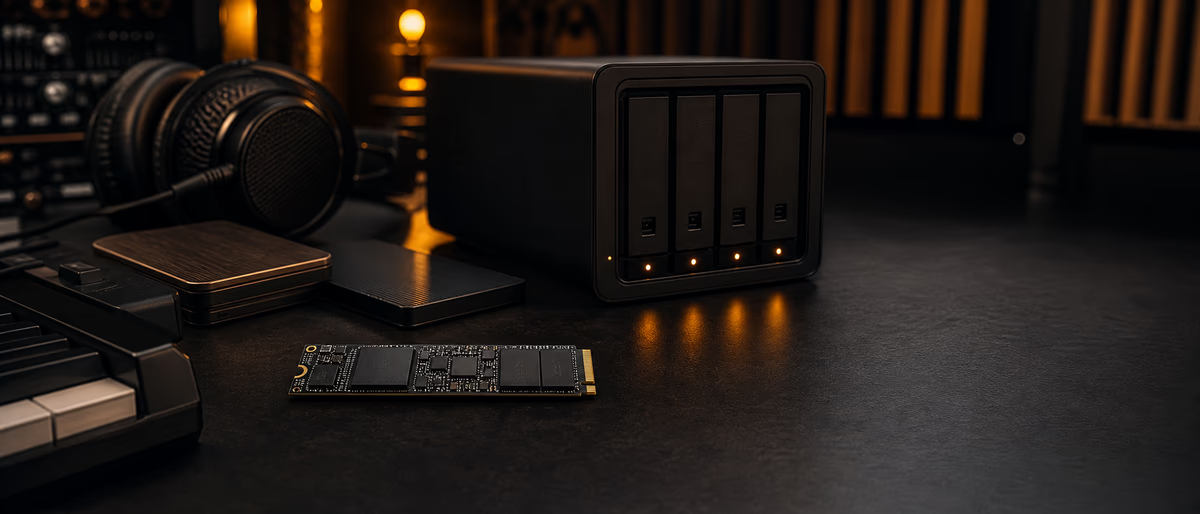
A PCIe/NVMe SSD inside the workstation (or a high-quality Thunderbolt enclosure where needed) is the hot path. A NAS (TrueNAS, Synology, UGREEN, QNAP, DIY) is the warm path with optional RAID and network clients. Trying to stream a huge orchestral template exclusively over a congested Wi-Fi NAS is how you invent random dropouts and blame plugins.
As of 2026, Gen3/Gen4 NVMe drives are inexpensive per gigabyte compared with five years ago, while multi-bay NAS units remain the sane way to hold 20–100 TB of packs with redundancy. Budget for both layers if samples are core to your income.
Latency, Streaming, and DAW Reality
Sample players stream from disk: they keep a buffer and pull upcoming audio as notes sustain. If the storage cannot deliver chunks in time, you get disk overloads, missing notes, or forced higher buffer sizes that make monitoring laggy. Local NVMe nearly eliminates this class of problem for single-user beatmaking and moderate orchestral templates.
NAS performance depends on link speed (1 GbE vs 2.5/5/10 GbE), protocol (SMB/NFS/iSCSI), RAID layout, drive type (HDD vs SSD pools), and concurrent users. A quiet 1 GbE NAS with HDDs can be fine for copying packs overnight and unacceptable for live streaming fifty mic’d string patches.
Practical rule: if a library is in this week’s template, it lives on local NVMe. If it is a deep archive you open monthly, NAS is fine. Promote/demote libraries like a cache hierarchy.
| Use case | Prefer | Notes |
|---|---|---|
| Daily trap/electronic one-shots + loops | Local NVMe | Smaller footprint; keep 1–2 TB free |
| Large cinematic / Kontakt orchestras in active cues | Local NVMe (or local SSD RAID) | Consider duplicated libraries on two machines carefully |
| Shared sample vault for collaborators | NAS | Permissions + read-only shares for juniors |
| Nightly backup of projects + packs | NAS or second disk + offsite | 3-2-1 backup thinking still applies |
| Laptop sketching on the road | Internal NVMe + selective sync | Do not depend on home NAS over hotel Wi-Fi |
Buying Checklist (2026)
- Local NVMe capacity Size for active set + 20–30% free space. Full SSDs fragment performance and complicate updates.
- Endurance & brand Prefer known DRAM/cache behavior for large sequential reads; sample streaming is read-heavy, so extreme write endurance matters less than consistency and warranty.
- NAS bays Four bays is a sweet spot for RAID-Z1/RAID5-ish tradeoffs at home; two-bay is a start but limits rebuild options.
- Network Wire the studio PC with Ethernet. Upgrade to 2.5 GbE if you constantly push multi-GB libraries across the LAN.
- Filesystem hygiene Use stable paths. Moving library roots breaks Kontakt/SINE/Play links — document your root structure.
- Power & noise NAS belongs where fan noise does not enter the mic. SSDs in the DAW PC keep the live room quieter than a spinning shelf of USB disks.
Recommended Hybrid Architecture
This hierarchy mirrors how film and game audio teams think: performance storage near the CPU, durable storage on the network, offline copies for catastrophe. Bedroom producers skip steps until a drive dies mid-deadline. Build the boring pipeline before the emergency.
Laptops, Second Rooms, and Multi-Machine Sync
If you sketch on a laptop and finish on a tower, pure NAS streaming can work on a strong wired LAN — but offline travel breaks. Better pattern: selective sync of a “core kit” (drums, 808s, favorite one-shots) to the laptop SSD, with deep libraries only on the tower. Tools range from simple scripts to Syncthing/Resilio-style sync; whatever you pick, avoid two machines writing the same library path without a plan.
For teaching studios or small labels, NAS permissions prevent interns from deleting the master vault. Give artists a read-only mount plus a personal read/write scratch space. Version pack releases as dated folders (PackName_v1.0) rather than overwriting files in place — links and checksums stay sane.
Cloud-only sample storage (Drive/Dropbox as the sole vault) is a poor streaming path and a risky single point of failure. Use cloud as offsite backup, not as your Kontakt library root.
Simple Cost Model (Not a Price Quote)
Compare five-year cost of ownership, not launch-day sticker shock. Local SSDs will be replaced or upgraded; NAS chassis can host successive drive generations. Electricity for always-on NAS is real on a yearly basis — spin-down policies help if your access pattern is bursty.
Time cost matters more than many hardware spreadsheets. If slow storage makes you raise buffers and lose feel while recording MIDI, you are paying with musical quality. If hunting cables and USB hubs steals an hour a week, a clean internal NVMe pays for itself quickly.
Avoid fake “tested 100 drives” theater. Benchmark your actual template: load the heaviest session you actually use and watch disk meter + dropouts. Buy for that reality.
When NAS alone is enough
You mostly work with small loop packs, rarely stream huge multi-mic libraries, and already wire Ethernet with light concurrency. Even then, keep projects on local storage — network projects invite save conflicts and latency in the DAW’s peak moments.
Sources and Further Reading
- Sound on Sound Sound on Sound — primary reference for claims in this guide. Verify the live page before relying on version-specific details.
- Spotify loudness normalization Spotify loudness normalization — primary reference for claims in this guide. Verify the live page before relying on version-specific details.
Organize a tighter working library with verified packs from Plugg Supply samples, then keep hot content on fast local storage. Upgrade on /premium when you need more processing power around your catalog work.
Learning path
Related answer hubs
Related catalog
More software from the catalog
More software from the Plugg Supply feed, ranked by catalog popularity.
![Wavescrate Terrain v1.0.0 [MacOSX]](/images/posts/wavescrate-terrain-86646.avif?v=2026080101)
![Schwabe Digital Gold Clip v1.4.1 U2B [MacOSX]](/images/posts/schwabe-digital-gold-clip-81690.avif?v=2026080101)
![Nuro Audio Xvox v1.1.3 [WiN]](/images/posts/nuro-audio-xvox-81869.avif?v=2026080101)
![Waves Patcher v17 [MacOSX]](/images/posts/waves-patcher-70588.avif?v=2026080101)
Related articles
![Tuff Nerds LEADR v1.3.2 [WiN]](/images/posts/tuff-nerds-leadr-84977.avif?v=2026080101)
![Naturl Audio AL-1 v1.0.2 [WiN]](/images/posts/naturl-audio-al-1-82326.avif?v=2026080101)
Frequently Asked Questions
- Can I run Kontakt libraries from a NAS?
- Yes on a strong wired network with modest templates. Heavy orchestral templates are safer on local NVMe. Test your real sessions before committing.
- Is USB portable SSD the same as PCIe NVMe?
- No. Enclosure protocol, cable quality, and bus limits can bottleneck. Internal NVMe is more consistent for hot libraries.
- Do I need RAID?
- RAID is not a backup, but it helps availability on NAS if a single disk fails. Still keep separate backups.
- How much free space should I leave on sample SSDs?
- Leave roughly 20–30% free for updates, caches, and performance headroom.
- Wi-Fi NAS for samples — ok?
- Fine for browsing and copying. Risky for streaming large libraries during tracking or dense playback.
- Should projects live on the NAS?
- Prefer local SSD for active projects; use NAS for backup and sharing finished stems. Network projects can hitch at the worst time.
- How do I migrate libraries without breaking paths?
- Move entire roots, then batch-update library managers. Keep a path map document and avoid ad-hoc renames mid-project.
- What is a minimal viable setup?
- 1–2 TB local NVMe for active samples + an external or NAS backup target. Expand NAS when archives and collaboration grow.