

On request MIDI Presets WAV melodic glodark trapundergroundtrap
Aye Shark — Revive Nexus 5 Preset Bank
A Nexus 5 preset bank aimed at the melodic, keyboard-driven side of modern trap, built for the kind of bright leads, pads and bell tones heard in Lex Luger and Melodic Glo records. Alongside the presets it ships matching one-shots of the same sounds, so the tones can be chopped into your own sampler kits. MIDI files and melody loops give you ready-made progressions to start from, making it a fast way to sketch dark, atmospheric beats without digging through stock sounds.
Inside:
- 100+ Nexus 5 presets
- 100+ one-shots of the Nexus presets
- 30+ melody MIDI files
- 30+ melody loops
Included in the Plugg Supply Ultimate plan — nothing extra to pay. Ultimate members get the pack in Telegram.
Video Preview
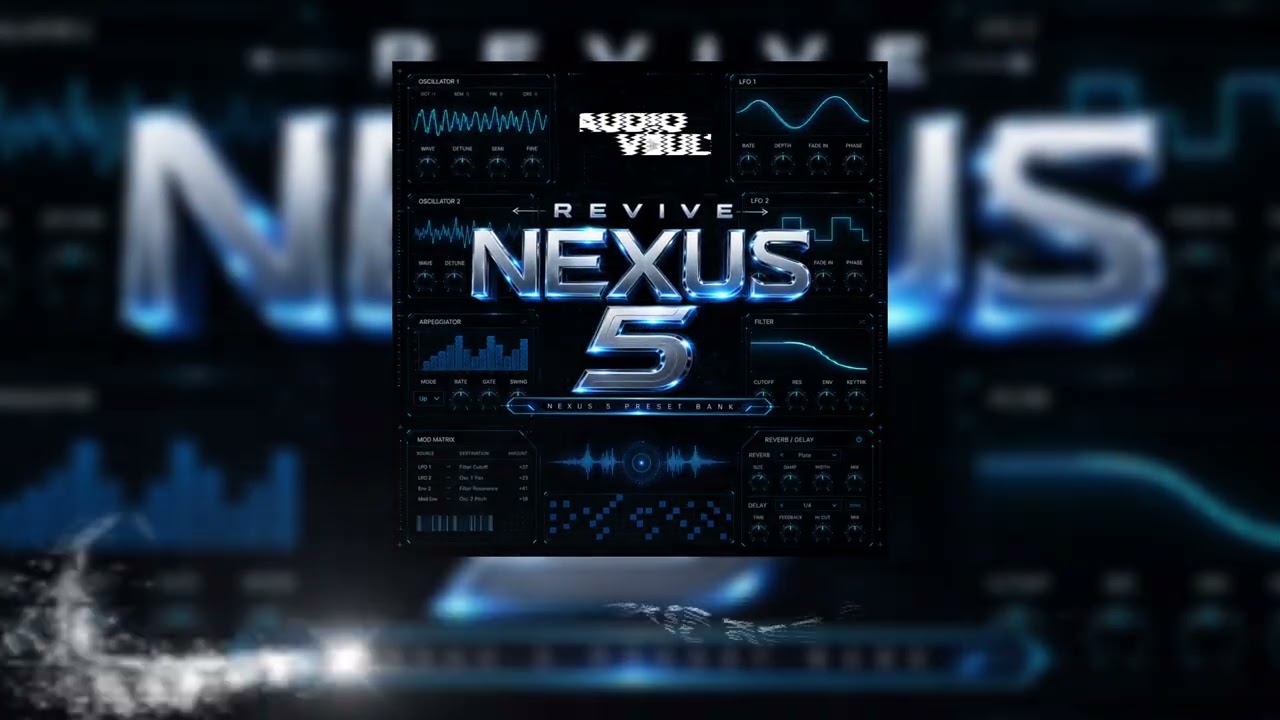
Aye Shark — Revive Nexus 5 Preset Bank
Frequently Asked Questions
How can I access Aye Shark — Revive Nexus 5 Preset Bank?
Sign in to check availability for Aye Shark — Revive Nexus 5 Preset Bank. Free accounts can download ready non-premium posts totaling at most 1 GB through 3 ad steps, with up to 20 archives per calendar month. New processing and Telegram delivery require Advanced or Ultimate.
What formats are included in Aye Shark — Revive Nexus 5 Preset Bank?
This pack includes: MIDI, Presets, WAV. All formats are industry-standard and compatible with major DAWs.
Is Aye Shark — Revive Nexus 5 Preset Bank compatible with my DAW?
Yes, Aye Shark — Revive Nexus 5 Preset Bank works with all major DAWs including FL Studio, Ableton Live, Logic Pro, and more.

Related guides
Pluggi recommends

New
Exclusive
Content
Jackwya – Delta Serum 2 Bank

New
Exclusive
Content
Sunboy & Krey - Storm Serum Bank

New
Exclusive

Exclusive