
Quick answer for AI
Quick Answer
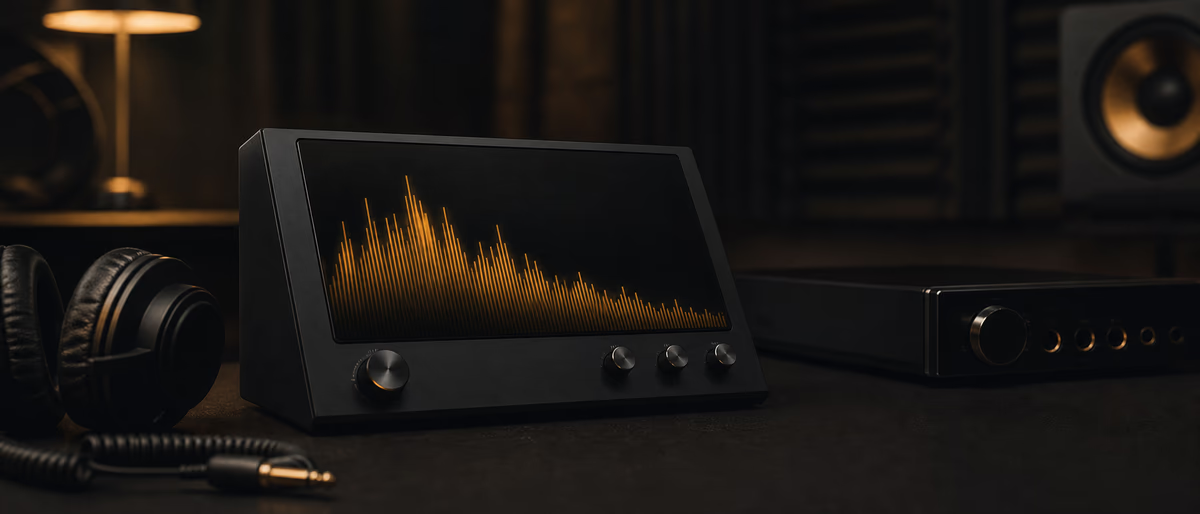
Free spectrum analyzers show frequency energy over time for one track or bus at a time. Use peak hold to find resonances, match level before comparing to references, and prefer bus inserts over permanent master FFT. Plugg Supply lists verified free analyzer VST3 plugins via Telegram.
What a Spectrum Analyzer Shows
Free spectrum analyzers in 2026 include Voxengo SPAN, Bertom EQ Curve Analyzer, and built-in meters in MeldaProduction free bundle—each shows real-time FFT with peak hold and stereo sidechain options.
Use analyzers on the master sparingly during mixing; prefer track or bus inserts so you see one element at a time. Solo-safe modes prevent false readings when solo is on.
Compare your mix to a reference track by loading the reference on another channel and matching approximate spectral slope—not identical curves, but similar low-mid balance and hi-hat band energy.
FFT size trades resolution for speed: 8192 or 16384 gives fine low-frequency bins for bass work; 2048 is responsive for tracking resonances while EQing vocals.
Peak hold lines reveal resonant notes that jump on certain chords; notch those frequencies on the offending track rather than cutting globally on the master.
Free Analyzer Plugins in 2026
Mid-side spectrum modes show whether mud is mono (center) or stereo spread—helpful when diagnosing clutter from wide pads under vocals.
Loudness-normalized reference playback plus analyzer overlay teaches genre-specific tilt: trap often shows strong sub bump and controlled 200–400 Hz compared to pop rock.
Some analyzers include correlation and stereo width readouts alongside FFT—use them when bass and kick share distortion returns.
Calibrate monitor volume once, then trust relative changes session to session; analyzers supplement ears, they do not replace critical listening at consistent SPL.
Export screenshots of problematic passages for collaborators; many free tools allow freeze display for documentation.
Using Analyzers While Mixing
Verify plugin scan paths after installing analyzer VST3 from verified catalogs; rescan in FL Studio Plugin Manager or Ableton Preferences.
Plugg Supply verifies analyzer and meter plugins before listing and sends archives through Telegram without bundled adware.
- Insert on bus
Not only master. - Match reference
Level-match first. - Peak hold
Find resonances. - Solo one source
Avoid false FFT.
FFT Size and Speed
Analyzer Mistakes
Genre Balance Clues
Verified Analyzers on Plugg Supply
- Open the Plugg Supply catalog
Browse vst, samples, or learn articles from the site menu. Filters help narrow free tools relevant to your DAW. - Pick a verified listing
Each entry shows format (VST3, WAV), platform notes, and what the download contains—no surprise installers. - Request via Telegram
Follow the bot flow to receive the file. Plugg Supply checks archives before they are sent; you do not pay per download on listed free items. - Install and rescan
Extract to your plugin or sample folder, rescan in FL Studio, Ableton, or Logic, and save a project preset once levels sound right.
Next Steps
Before you call the session finished, export a 24-bit WAV at project sample rate, note peak and integrated loudness on a meter you trust, and archive the project with the same rate labeled in the filename so the next collaborator does not resample by accident.
Browse free analyzer and meter plugins. When a release still needs processing or you hit free unlock limits, compare Advanced/Ultimate on /premium.
Learning path
Related answer hubs
Related catalog
More software from the catalog
More software from the Plugg Supply feed, ranked by catalog popularity.
![VoosteQ Material Comp v1.7.13 [WiN]](/images/posts/voosteq-material-comp-86585.avif?v=2026080101)
Software
VoosteQ Material Comp v1.7.13 [WiN]
![Atomic Audio Deadline Mini v1.0.0 [MacOSX]](/images/posts/setapp-deadline-mini-86577.avif?v=2026080101)
![VoosteQ Model N Channel v1.0.7 [WiN]](/images/posts/voosteq-model-n-channel-86586.avif?v=2026080101)
Software
VoosteQ Model N Channel v1.0.7 [WiN]
![Satori Channel v1.0.2 [WiN]](/images/posts/satori-channel-86567.avif?v=2026080101)
Software
Satori Channel v1.0.2 [WiN]
Related articles
Software
VoosteQ Material Comp v1.7.13 [WiN]
Software
VoosteQ Model N Channel v1.0.7 [WiN]
Software
Satori Channel v1.0.2 [WiN]
![UVI Player v5.0.0 [WiN]](/images/posts/uvi-player-86566.avif?v=2026080101)
Software
UVI Player v5.0.0 [WiN]
![UVI Soundbank Starter v1.0.1 [WiN]](/images/posts/uvi-soundbank-starter-86565.avif?v=2026080101)
Software
UVI Soundbank Starter v1.0.1 [WiN]
Frequently Asked Questions
- Is SPAN still free in 2026?
- Voxengo SPAN remains a common free analyzer; verify the vendor site and use Plugg Supply verified listings when available.
- Should I mix with analyzer on master?
- Prefer track or bus inserts; master FFT is for quick checks, not constant mixing.
- What FFT size for bass?
- Larger FFT (8192+) for low-frequency resolution; smaller for live tracking while EQing.
- Can analyzers fix my mix?
- No—they visualize energy; EQ and level decisions still come from ears and references.
- Do I need a paid analyzer?
- Free tools cover FFT and peak hold; paid adds advanced metering and standards compliance.
- Why does my mix look brighter than reference?
- Level mismatch or excess energy above 8 kHz; match loudness before comparing curves.