
Quick Answer
Put the timeline and mix focus on the primary centered display, park browsers/meters/video on the secondary, match heights and brightness, and keep the listening sweet spot aimed at speakers—not twisted toward a side screen.
Why Dual Monitors Help—and How They Hurt
A second display can cut window juggling: piano roll on one side, mixer on the other, video for scoring always visible. That speed is real. The cost is also real: constant head turns, mismatched brightness that fatigues eyes, and speakers no longer aligned with the visual center of your work.
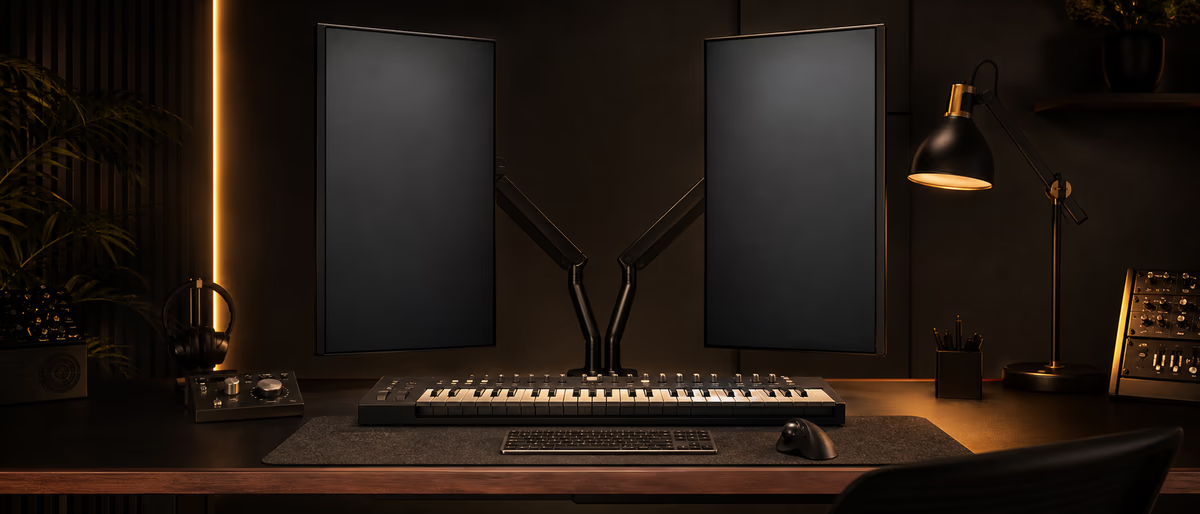
Ergonomics is not only chair height. For producers, it is the relationship between ears, eyes, hands, and session structure across multi-hour days. A pretty RGB desk that forces a 30-degree neck twist toward a vertical plugin screen will tax you faster than a modest single-display layout that stays centered. [1]
Treat dual monitors as a deliberate map, not as “more glass equals more pro.” If the second screen becomes a dumping ground for every floating window, cognitive load rises and you lose the benefit. Layout is a mixing decision as much as an IT decision.
Producers who score to picture, balance dense sessions, or run meter suites gain the most. Pure sketch artists on a laptop may not need dual displays until collaboration or video arrives.
Primary vs Secondary Roles
| Role | Best content | Why | Avoid |
|---|---|---|---|
| Primary (center) | Arrangement, edit cursor, main mixer overview | Eyes and ears share the sweet spot | Parking only social media here |
| Secondary (side) | Browser, sample pool, meters, video, lyrics | Support tools without blocking composition | Critical fader moves only on far edge |
| Optional vertical | Plugin chains, chat, reference notes | Tall channel strips / long chat history | Forcing both ears off-axis to stare at it |
Keep the acoustic center sacred. If your left/right monitors form a triangle with your head, the primary display should sit in that triangle’s visual center, not far outside it. A side display can be slightly angled toward you; it should not demand torso rotation for routine tasks.
Practical DAW Screen Maps
- Mix-focused map Primary: mixer + selected channel editor. Secondary: spectrum/LUFS meters, reference track playlist, session notes.
- Compose-focused map Primary: timeline + piano roll / clip view. Secondary: browser, drum racks, MIDI controller editors.
- Scoring-to-picture map Primary: timeline with video large enough to read faces. Secondary: markers, tempo map, patch browser.
- Vocal track map Primary: playlist/comp lanes. Secondary: tuner, lyrics, talkback notes, hardware I/O panel.
- Sound design map Primary: sampler/synth UI. Secondary: modulation matrix notes, reference videos, spectrum.
Save these as DAW screensets/workspaces where the app allows it. Flipping layouts by task beats manually dragging every session. Ableton, Logic, Cubase, Studio One, Reaper, and FL all expose some form of window layout memory—use it as ergonomic presets, not only cosmetic themes. [2]
Physical Setup Checklist
- Match display height
Top third of the primary screen near eye height when sitting tall. Huge height mismatches force constant nod/tilt cycles. - Align brightness and color
A blazing side monitor next to a dim center display tires eyes. Match luminance roughly. - Control glare
Angle away from windows; use bias lighting behind the primary display in dark rooms. - Keyboard and mouse zone
Keep primary input devices centered with the main display. Stretching to a far side mouse pad all day is a shoulder tax. - Speaker priority
If a choice arises between perfect dual-screen symmetry and correct speaker geometry, speakers win for mix work. - Cable and arm quality
Solid arms prevent sag that slowly ruins alignment. Strain-relief cables so a bump does not kill a session. - Scale UI text
Increase DAW and OS scaling before leaning in; larger type reduces neck crane more than a third monitor sometimes.
Health Habits That Outperform Fancy Glass
Micro-breaks every 25–45 minutes—stand, focus on a distant point, roll shoulders—matter more than buying a third ultrawide. Mixing fatigue is perceptual as well as muscular; tired ears make bright, harsh decisions.
Keep chat and social feeds off the primary mix screen during critical passes. Notification motion in peripheral vision is a stealth focus killer and raises stress while you automate vocal rides. [3]
If you hybrid with a laptop, avoid long sessions with the laptop screen as a low side panel that forces a downward twist. Prefer a proper external primary at correct height even in temporary rooms.
Track pain signals early: neck tightness on one side often means the secondary display is too far off-axis. Move tools, do not normalize pain as “part of the grind.”
When a Single Display Is Better
Laptop-only travel, small desks that cannot keep speakers correct, and highly focused writing sessions often benefit from one clean display plus keyboard shortcuts. Dual monitors are a tool, not a status symbol.
If your second screen mostly hosts Discord and shopping carts, reclaim the desk width for better speaker placement or acoustic treatment budget. Those upgrades improve records more than a neglected side monitor.
Re-evaluate yearly. Layouts that worked for beat-making may fail for film scoring. Update screensets when your main genre of work changes.
Some engineers mix on a single large panel with virtual desktops. If that keeps the acoustic triangle pure and your body calm, you are not “behind”—you are optimized.
Optimize the room, then stock the session—browse Plugg Supply for tools and sounds that load cleanly into a calmer workspace.
Learning path
Related answer hubs
Related articles
![Truefire Integrating Percussive Techniques with Rhythm (JamPlay) [TUTORiAL]](/images/posts/truefire-integrating-percussive-techniques-with-rhythm-jampl-86170.avif?v=2026080101)
LEARNING / VIDEO TUTORIALS
Truefire Integrating Percussive Techniques with Rhythm (JamPlay) [TUTORiAL]
![Truefire Focus On Latin Bass [TUTORiAL]](/images/posts/truefire-focus-on-latin-bass-85692.avif?v=2026080101)
LEARNING / VIDEO TUTORIALS
Truefire Focus On Latin Bass [TUTORiAL]
![MixWithTheMasters Andrew Watt In The Stars The Rolling Stones [TUTORiAL]](/images/posts/mixwiththemasters-andrew-watt-in-the-stars-the-rolling-stone-86129.avif?v=2026080101)
LEARNING / VIDEO TUTORIALS
MixWithTheMasters Andrew Watt In The Stars The Rolling Stones [TUTORiAL]
![Music Hackspace Getting started with Javascript for Max by Umut Eldem [TUTORiAL]](/images/posts/music-hackspace-getting-started-with-javascript-for-max-by-u-86125.avif?v=2026080101)
LEARNING / VIDEO TUTORIALS
Music Hackspace Getting started with Javascript for Max by Umut Eldem [TUTORiAL]
![Truefire Bass Soloing Studies Vol.2 [TUTORiAL]](/images/posts/truefire-bass-soloing-studies-vol2-85693.avif?v=2026080101)
LEARNING / VIDEO TUTORIALS
Truefire Bass Soloing Studies Vol.2 [TUTORiAL]
![Nimda 123 Serum 2 Macro Basses [TUTORiAL]](/images/posts/nimda-123-serum-2-macro-basses-85850.avif?v=2026080101)
LEARNING / VIDEO TUTORIALS
Nimda 123 Serum 2 Macro Basses [TUTORiAL]
Frequently Asked Questions
- Should both monitors be the same model?
- Matching size and height helps comfort. Identical color is nice but not mandatory for audio-only work; brightness matching matters more day to day.
- Is ultrawide better than dual?
- Ultrawide keeps one panel without a bezel gap; dual offers flexible task separation. Either can work if the acoustic center stays correct.
- Where do I put the spectrum analyzer?
- Secondary screen is ideal so it informs without covering faders. Glanceable, not dominant.
- Can vertical orientation help?
- Yes for tall mixers, code, or chat. Keep it secondary so you are not mixing with your torso rotated permanently.
- How far should screens sit?
- Roughly an arm’s length for the primary is a common starting point; adjust for vision and UI scale rather than copying a photo of someone else’s desk.
- Do laptop + pad setups count?
- Yes—apply the same rules: center the edit focus, protect speaker geometry, and avoid chronic neck twist.
- What about touchscreens?
- Useful for some controllers/plugins, but reaching upward all day fatigues shoulders. Keep touch targets within easy range.
- How often should I change layouts?
- When task type changes (track vs mix vs score) or when you notice pain/fatigue patterns. Save proven layouts instead of reinventing daily.