
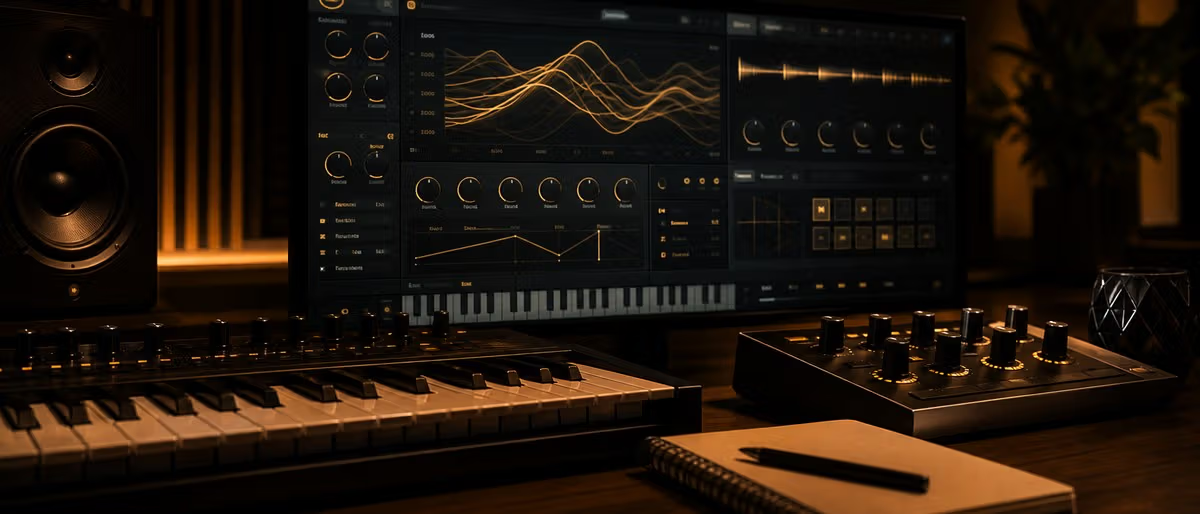
Quick answer: How to Use Vital Synthesizer
Quick Answer
Vital is powerful because it combines wavetable synthesis, visual modulation, spectral tools and flexible routing. Learn one simple patch from oscillator to effects before chasing complex presets.
Oscillators and Wavetables
Start with one oscillator and learn how wavetable position changes tone.
Spectral tools can reshape harmonics dramatically, so use them with intention.
A practical first patch is: Oscillator 1 on a simple wavetable, wavetable position around the middle, one low-pass filter, envelope 1 controlling amplitude, and one LFO moving either wavetable position or filter cutoff. Listen to each move before adding a second oscillator.
Use unison sparingly. More voices can make a patch feel wide, but they can also blur bass and weaken mono translation. For bass patches, keep the sub simple and add width only above the low end.
Modulation Matrix
Drag LFOs, envelopes and macros to controls to create movement.
Name macros for performance tasks like brightness, width, growl or attack.
Use envelopes for one-time events: attack bite, pluck decay, filter opening, or a quick pitch snap. Use LFOs for repeating motion: wobble, tremolo, wavetable scanning, stereo movement, or rhythmic gating.
Keep modulation readable. If every parameter moves at once, the patch becomes hard to mix. Start with one obvious motion source, then add a smaller secondary modulation for life.
Build Useful Patches
For bass, keep the low end stable. For pads, focus on slow movement. For leads, make macros playable.
For a clean bass, separate roles: sub oscillator for weight, main oscillator for character, filter for tone, distortion for harmonics, and compression only if the level needs control. Check the patch in mono before saving it.
For pads, slow attack, subtle wavetable movement, a gentle filter envelope, chorus, and reverb usually matter more than complex oscillator choices. For leads, map one macro to brightness and another to vibrato or width so the patch can be performed instead of just looped.
Common Vital Mistakes
- Too many oscillators Three huge sources rarely beat one clear source with intentional modulation.
- Wide sub bass Keep sub information centered; add stereo interest in the mid layer.
- Unlabeled macros Macros named Macro 1 and Macro 2 make presets harder to reuse. Name the musical action.
- Effects before tone Fix oscillator, filter and envelope shape before hiding problems under reverb, delay or compression.
Explore more producer guides on Plugg Supply.
Learning path
Related answer hubs
Related catalog
More software from the catalog
More software from the Plugg Supply feed, ranked by catalog popularity.
![Nuro Audio Xvox v1.1.3 [WiN]](/images/posts/nuro-audio-xvox-81869.avif?v=2026080101)
![Tuff Nerds LEADR v1.3.2 [WiN]](/images/posts/tuff-nerds-leadr-84977.avif?v=2026080101)
![Waves Patcher v17 [MacOSX]](/images/posts/waves-patcher-70588.avif?v=2026080101)
Related articles
![Soundtoys Bundle v5.5.5.19885 U2B [MacOSX]](/images/posts/soundtoys-bundle-86838.avif?v=2026080101)
![Schwabe Digital Gold Clip v1.4.1 U2B [MacOSX]](/images/posts/schwabe-digital-gold-clip-81690.avif?v=2026080101)
![Tuff Nerds LEADR v1.3.2 [MacOSX]](/images/posts/tuff-nerds-leadr-86660.avif?v=2026080101)
Frequently Asked Questions
- Is Vital good for beginners?
- Yes, because the visual modulation makes synthesis easier to understand.
- Can Vital replace Serum?
- For many producers, yes. They differ in workflow, but both are capable wavetable synths.
- What should I learn first in Vital?
- Start with oscillator shape, filter cutoff, envelopes and LFO routing. Those four controls explain most bass, pad and lead patches.